
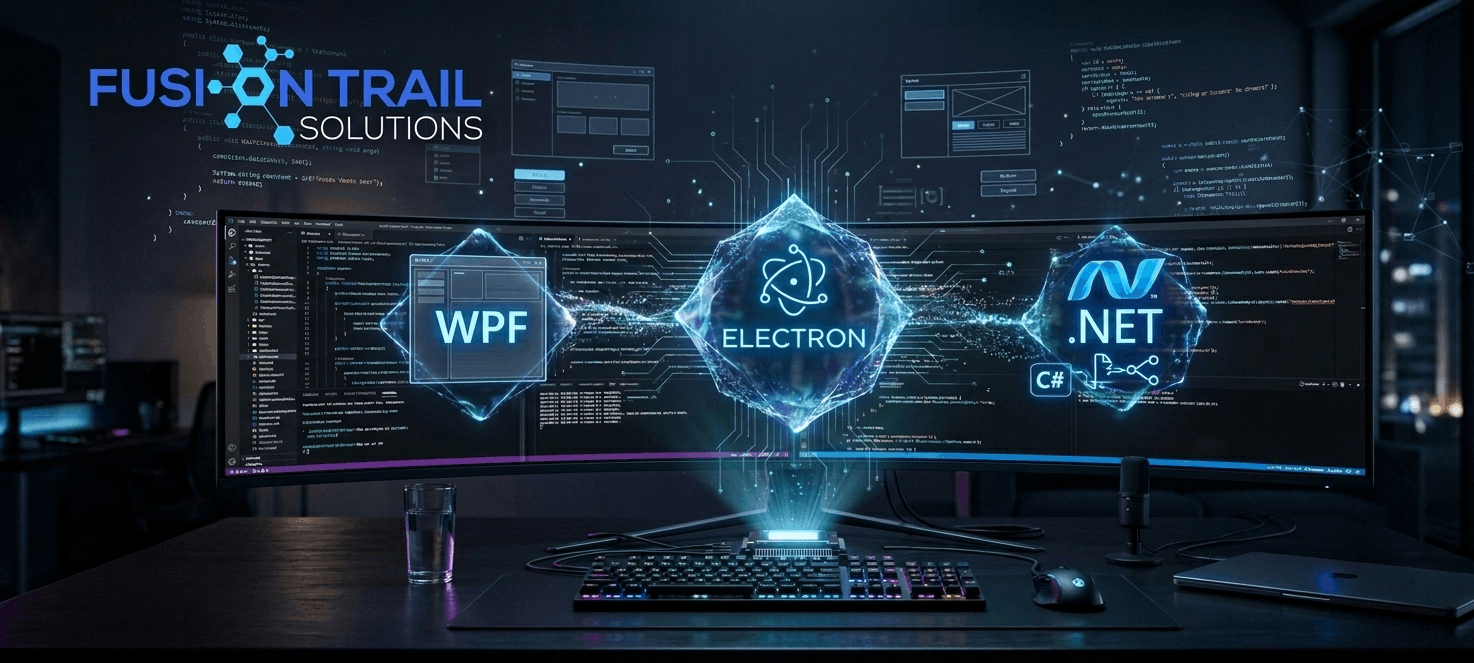
In an era dominated by cloud computing and web applications, one might wonder: Is desktop software still relevant? The short answer is an absolute yes. For internal corporate tools, high performance utilities, and complex enterprise workflows, modern desktop applications remain the gold standard.
Unlike standard web apps, desktop applications offer deep operating system integration, offline capability, unrestricted access to local hardware, and the robust security required for handling sensitive corporate data.
In this ultimate guide, we will break down these technologies, compare their strengths, and help you determine the absolute best stack for your next project.

1. Electron: The King of Cross-Platform Desktop Development
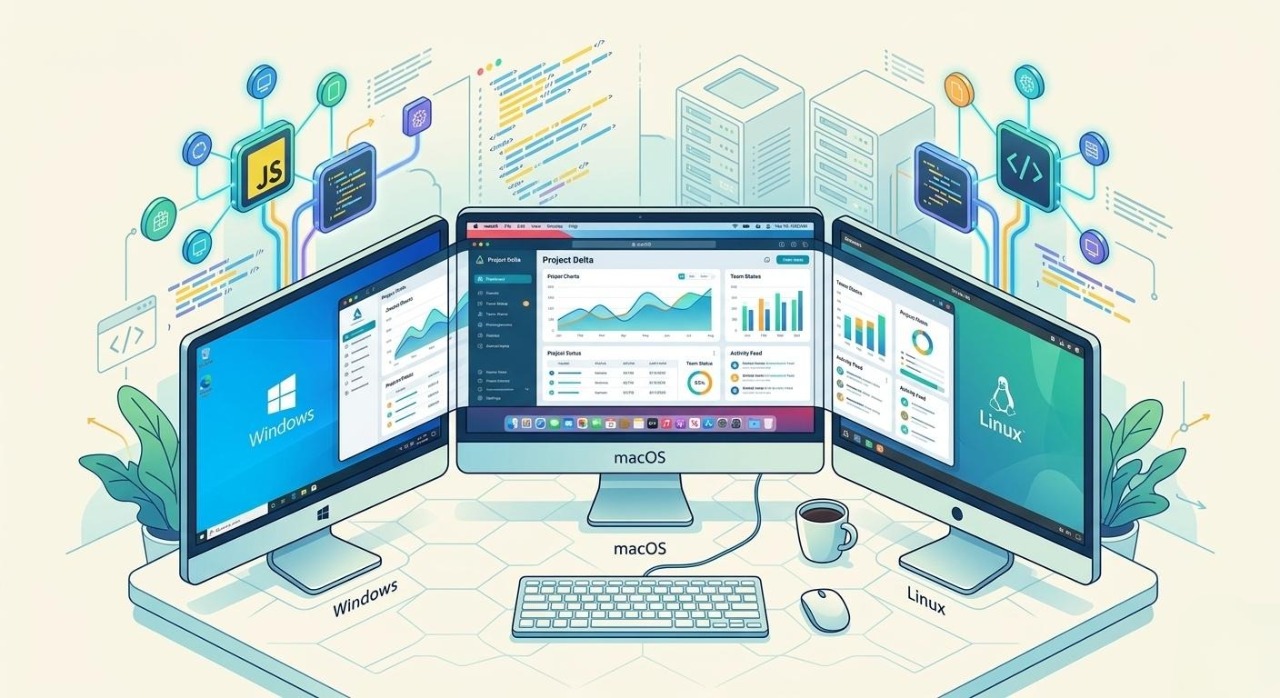
If you have used Visual Studio Code, Slack, Discord, or Skype, you have already interacted with an Electron application. Developed by GitHub, Electron is an open source framework that allows developers to build cross platform desktop applications using web technologies: HTML, CSS, and JavaScript (or TypeScript).
How Electron Works
Electron combines the Chromium rendering engine with Node.js. Essentially, it wraps a web application inside a standalone desktop window, giving it direct access to the underlying operating system's filesystem, native menus, and notifications.
Key Advantages of Electron:
True Cross Platform Compatibility: Write your code once, and deploy it seamlessly across Windows, macOS, and Linux. This drastically reduces development time and time to market.
Massive Developer Ecosystem: Because it relies on standard web technologies, you can leverage the entire JavaScript ecosystem, including powerful UI libraries like React, Vue.js, and Angular.
Rapid UI Prototyping: Web styling (CSS) allows for highly customizable, beautiful, and modern fluid interfaces that look identical across all operating systems.
When to Choose Electron:
Electron is the perfect choice when you need to deploy your application to multiple operating systems simultaneously and want to leverage existing web development skills to deliver a highly interactive, modern UI.
2. WPF (Windows Presentation Foundation): The Enterprise Workhorse
For businesses operating primarily or exclusively within a Windows ecosystem, Windows Presentation Foundation (WPF) remains an incredibly powerful and reliable framework. WPF is a time tested UI framework used for building desktop applications for Windows.
How WPF Works
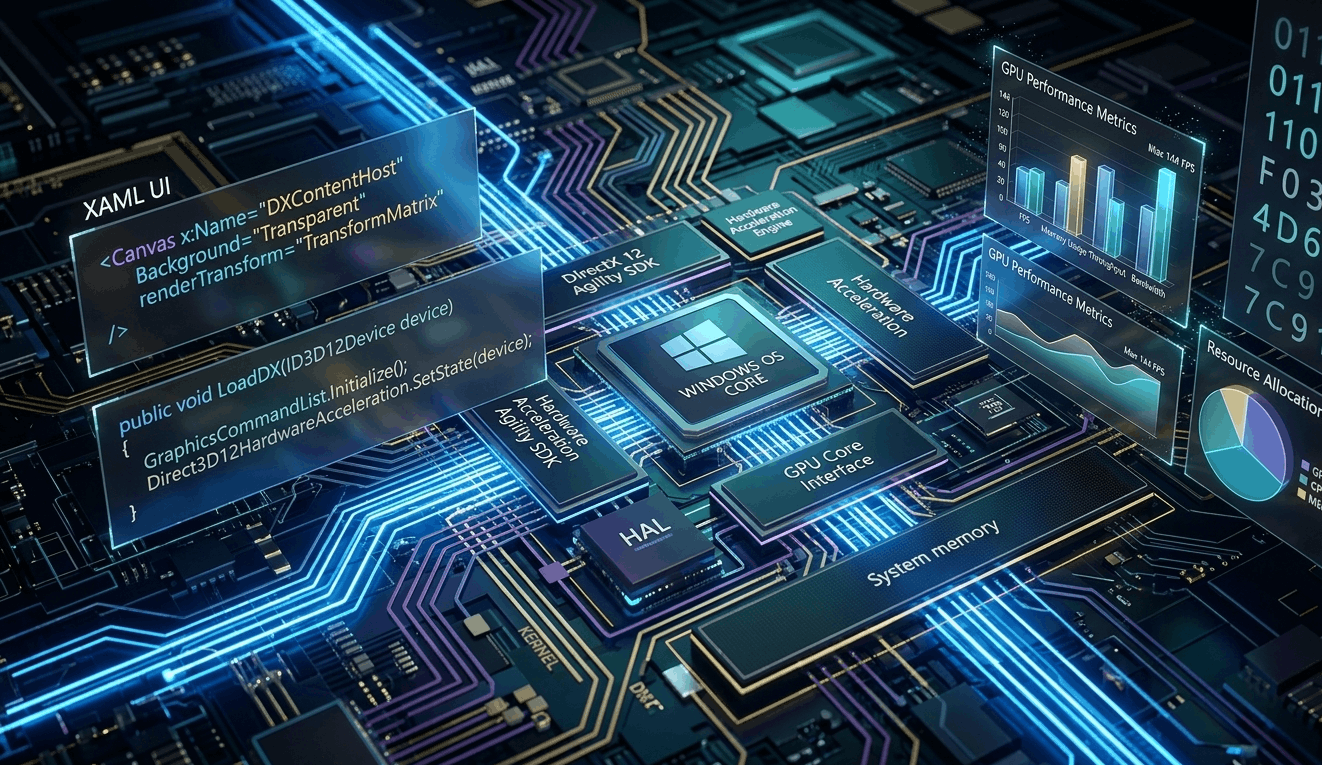
WPF utilizes XAML (Extensible Application Markup Language) to separate the user interface design from the backend business logic, which is typically written in C#. It relies heavily on DirectX, meaning it can offload graphics rendering to the GPU for incredibly smooth performance.
Key Advantages of WPF:
Deep Windows Integration: WPF apps can tap directly into Windows APIs, local hardware, registry keys, and enterprise network architectures without any performance overhead.
The MVVM Architecture: WPF natively supports the Model View ViewModel (MVVM) design pattern. This architecture makes enterprise level applications incredibly modular, highly testable, and clean to maintain over years of operations.
Advanced Data Binding: WPF features a massive, sophisticated data binding engine, making it the premier choice for data heavy corporate tools, dashboards, and internal inventory management systems.
When to Choose WPF:
If your target audience relies entirely on Windows, and your application requires heavy data processing, complex local hardware interactions, or integration with legacy corporate systems, WPF is a flawless choice.
3. Modern .NET: The Next Generation of Desktop Power
Desktop development under Microsoft has evolved far beyond legacy framework limits. With modern .NET (.NET 6, .NET 8, and beyond), developers get a unified, open-source, and incredibly fast ecosystem for building next-generation applications.
The Rise of Modern .NET Desktop Architectures
Modern .NET introduces frameworks like MAUI (Multi-platform App UI) and supports cross-platform C# development via ecosystems like Avalonia. It brings the speed and modern language features of C# straight to high-performance desktop tools.
Key Advantages of Modern .NET:
Blazing Fast Performance: Modern .NET is engineered for speed. It features heavily optimized garbage collection, native AOT (Ahead-Of-Time) compilation, and minimal memory overhead compared to legacy frameworks.
Unified Codebase: With modern .NET toolkits, you can share business logic across desktop, web, mobile, and cloud environments easily.
Long-Term Support (LTS): Backed by Microsoft and a massive global open-source community, modern .NET ensures that enterprise tools remain secure, compliant, and up-to-date with evolving cyber-security standards.

4. The Critical Role of UX (User Experience) in Desktop Workflows
Enterprise tools and internal workflows are often notorious for being cluttered, confusing, and frustrating to use. Poor UX results in slower employee output, higher training costs, and user fatigue.
Best Practices for Desktop UX Design:
Optimize for Performance: A desktop application should feel instant. Sluggish transitions or freezing frames destroy user trust. Use asynchronous programming to keep the UI responsive during heavy processing.
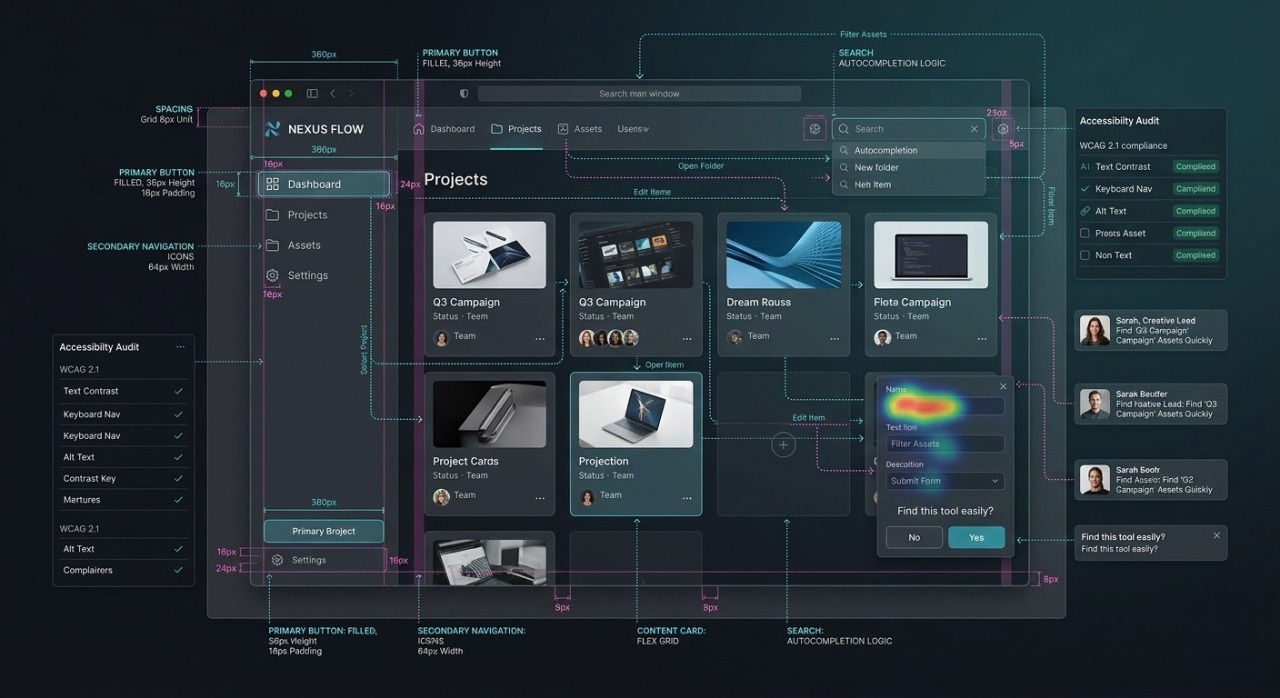
Consistent Component Hierarchy: Maintain logical, clean navigation layouts. Keep high-frequency tools within immediate click-reach while safely tucking advanced configurations into clean settings panels.
Informative Feedback Systems: When an internal tool is running a massive data query or building a report, show clear, smooth progress bars or loading states so the user never feels left in the dark.
5. Architectural Breakdown: Which Stack Fits Your Project?
Every framework carries its own unique architectural strengths and distinct engineering philosophies. To make the most informed decision for your upcoming development cycle, let us dive into a detailed, point-by-point breakdown of how these three technologies perform in real world scenarios:
1. Electron: The Ultimate Cross-Platform Solution
If your primary organizational goal is to build an application that runs flawlessly across multiple operating systems from a single codebase, Electron stands as the undisputed industry leader.
Primary Languages: This framework is built entirely on JavaScript, TypeScript, and CSS, allowing engineering teams to leverage massive web development ecosystems.
Platform Target: It delivers true Cross-Platform deployment, ensuring your application runs identically on Windows, macOS, and Linux.
Performance: Performance is Moderate due to the architectural overhead of bundling a Chromium browser instance, which inherently demands higher local RAM consumption.
UI Flexibility: It offers Unlimited design freedom. Developers can utilize standard modern web ecosystems (such as React, Vue, and Tailwind) to craft highly interactive, fluid, and custom visual interfaces.
Best Used For: It is the premier choice for launching Multi-OS Applications and SaaS Desktop Clients where reaching a wider audience rapidly is critical.
2. WPF (Windows Presentation Foundation): The Windows Enterprise Powerhouse
For corporate environments where operations and internal infrastructure are anchored strictly within Microsoft ecosystems, WPF remains an exceptionally reliable and secure foundation.
Primary Languages: The framework separates its core business logic from the presentation layer by utilizing C# alongside XAML (Extensible Application Markup Language).
Platform Target: It is a strictly Windows-Only framework, engineered specifically to leverage deep operating system integration.
Performance: Performance is High because the framework renders its UI components directly via hardware acceleration utilizing DirectX.
UI Flexibility: It provides High customization capabilities, allowing developers to utilize advanced control templates, deep styling systems, and precise pixel layouts.
Best Used For: It is perfectly suited for complex Internal Corporate Tools and Data-Heavy Windows Applications that require heavy data processing and strict enterprise security standards.
3. Modern .NET: Next-Gen Speed and Structural Flexibility
Modern .NET (.NET 6, .NET 8, and beyond) represents the progressive evolution of desktop development, delivering an incredible balance of blistering processing speeds and modern architecture.
Primary Languages: It inherently supports C#, XAML, and Razor components, giving teams the flexibility to write clean backend logic and versatile user interfaces.
Platform Target: It fully supports Cross-Platform compilation, though its core optimizations and native capabilities shine most brilliantly on the Windows operating system.
Performance: Performance is Extremely High. Thanks to native Ahead-Of-Time (AOT) compilation and heavily optimized garbage collection, it delivers raw, native execution speed.
UI Flexibility: It offers High visual flexibility, enabling teams to build native interfaces or seamlessly merge hybrid web components directly into desktop windows.
Best Used For: It stands as the absolute best choice for Next-Gen Enterprise Software and High-Performance Tools that must remain secure, modular, and future-proof for years to come.
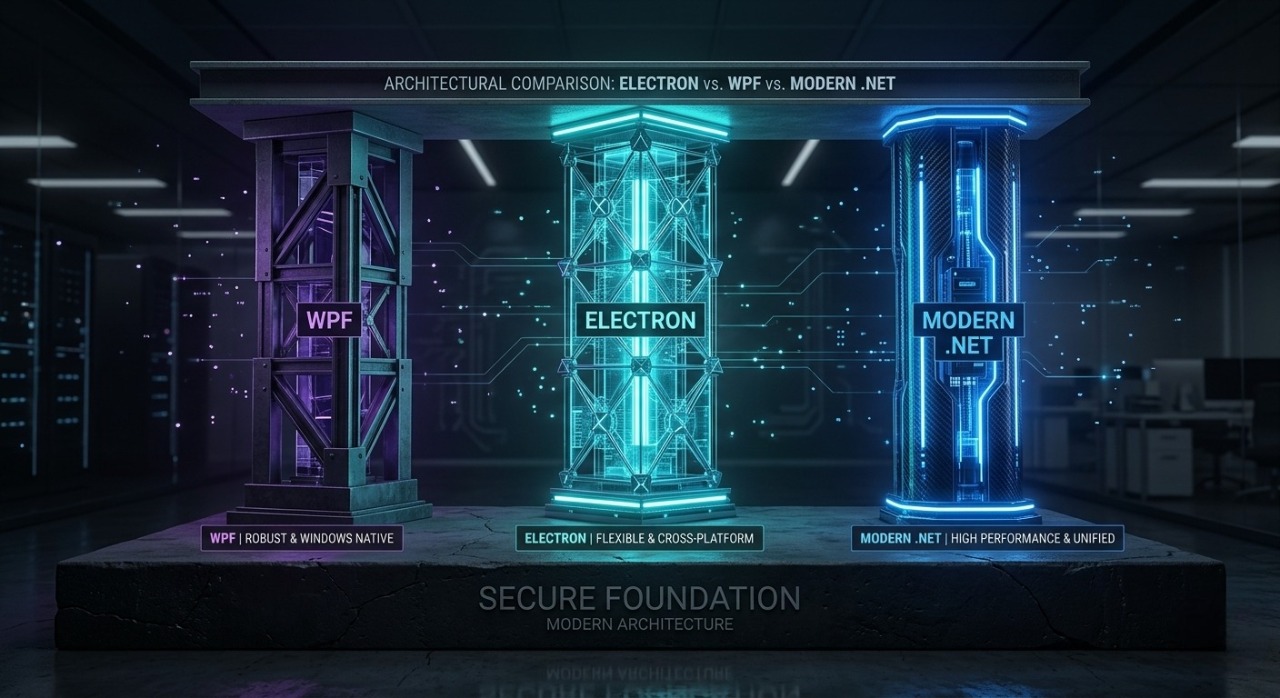
Conclusion: Crafting Stable, Polished Enterprise Solutions
Building a stable, polished desktop application for internal tools and enterprise workflows isn't about picking the trendiest framework; it is about choosing the stack that perfectly matches your technical constraints, target operating systems, and budget.
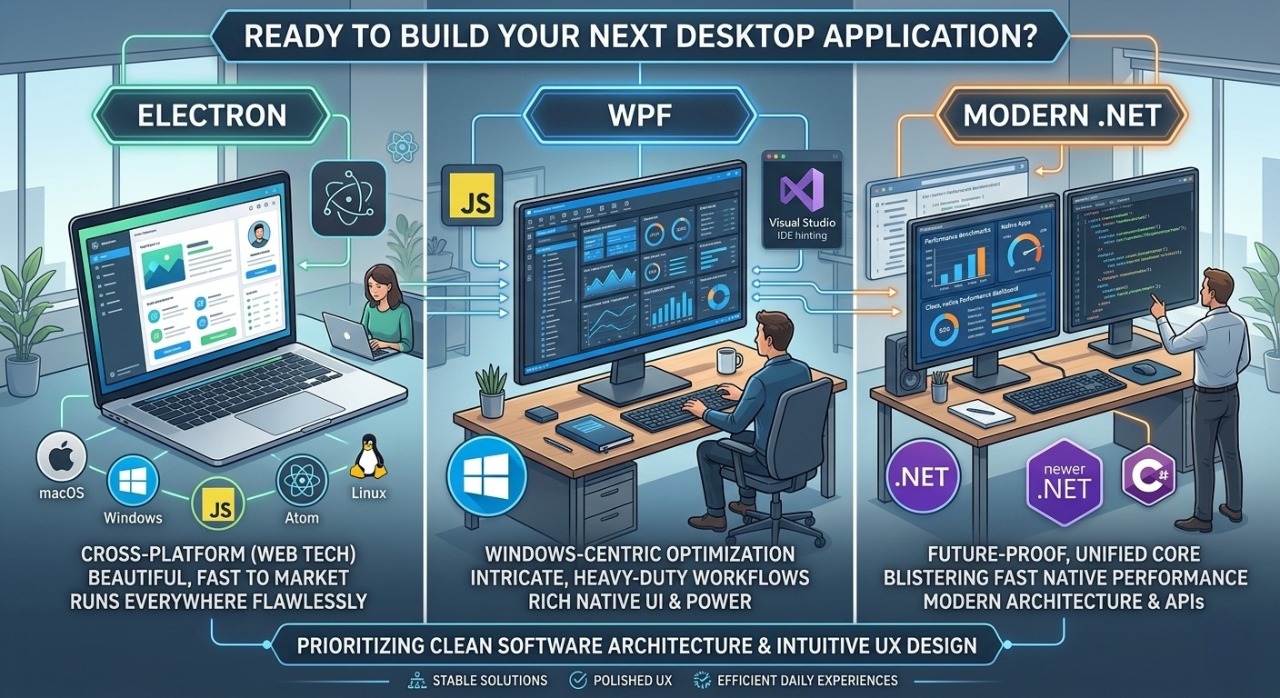
Choose Electron if you need a beautiful, fast to market application that runs everywhere flawlessly.
Choose WPF if you are building an intricate, heavy duty workflow application optimized exclusively for Windows-centric infrastructure.
Choose Modern .NET if you want future proof, blistering fast native performance paired with modern architecture.
By prioritizing clean software architecture and intuitive UX design, you can transform complex operational workflows into smooth, enjoyable, and highly efficient daily experiences.
Partner with Fusion Trail Solutions for Your Next Desktop Project
At Fusion Trail Solutions, we specialize in engineering high performance, stable, and beautifully polished desktop software engineered to optimize your enterprise workflows. Our team of technical architects brings deep expertise across Electron, WPF, and Modern .NET to build scalable solutions tailored precisely to your infrastructure.
Whether you need a cross platform SaaS application that operates seamlessly across Windows and macOS, or a data heavy native Windows application integrated deep into local hardware, we build it with a strict focus on cutting edge software architecture and exceptional User Experience (UX).