

Introduction: Why Julius AI is the Future of Data Analysis
In the modern digital era, data is the new gold, but analyzing it can be a nightmare if you aren't a coding expert. Julius AI emerges as a game-changer, acting as your personal AI-powered data scientist. Unlike standard chatbots, Julius is specifically designed to interpret complex datasets, automate spreadsheet tasks, and provide visual insights in seconds. Whether you are a business owner in Sargodha or a global data researcher, this tool bridges the gap between raw numbers and actionable intelligence.
What is Julius AI? (More Than Just a Chatbot)
Julius AI is an advanced computational engine that utilizes Python-based execution to analyze structured data. It doesn't just "guess" the answer; it writes and runs code to ensure mathematical precision. From Excel files to Google Sheets and Postgres databases, Julius connects seamlessly to your data sources. It’s designed for those who want the power of a Data Analyst without having to write a single line of SQL or Python code.

Key Features: Powering Your Workflow
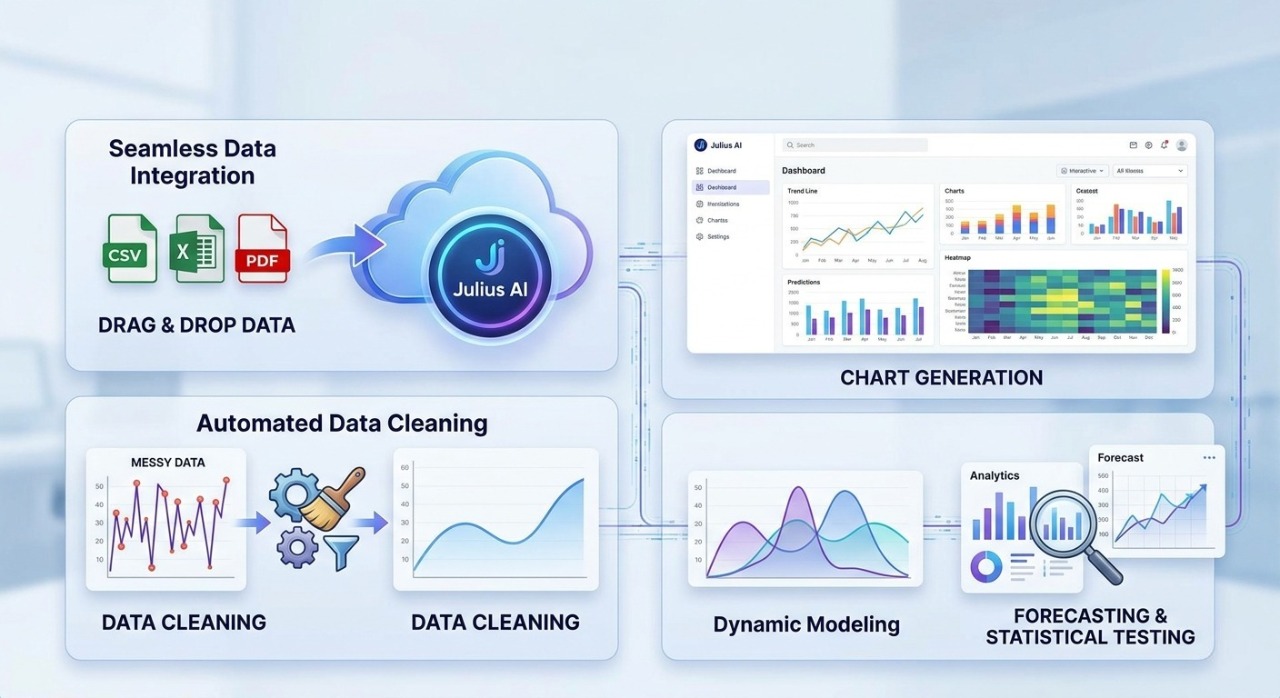
Seamless Data Integration: You can simply drag and drop your CSV, Excel, or PDF files. Julius reads the structure instantly and prepares it for querying.
Advanced Data Visualization: Need a Trend Line or a Heatmap? Just ask. Julius creates high-quality, downloadable charts that are ready for your professional presentations.
Automated Data Cleaning: We all know data is often "messy." Julius can identify outliers, fix formatting errors, and handle missing values automatically.
Dynamic Modeling: It can perform linear regressions, forecasting, and statistical testing, making it an essential tool for academic and professional research.
Step-by-Step: How to Master Julius AI
Connecting Your Source: Start by uploading your file or connecting your Google Drive. Julius supports multiple formats, ensuring flexibility.
Asking the Right Questions: Use natural language. Instead of complex formulas, type: "Show me the sales growth of the last 6 months compared to the previous year."
Refining the Output: If the chart isn't perfect, tell Julius to "Change the color to corporate blue" or "Make it a bar chart." It responds in real-time.

The Competitive Edge: Julius AI vs. Traditional Tools
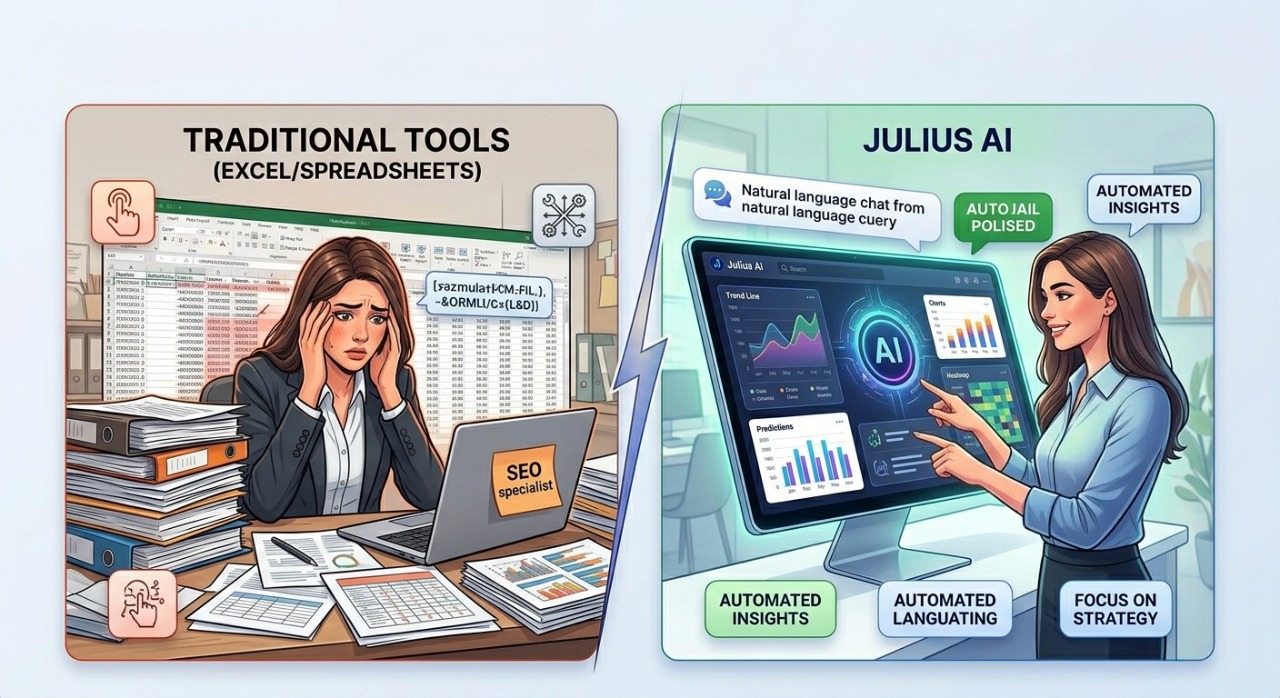
While tools like Excel are powerful, they require manual input and deep formula knowledge. Julius AI removes this barrier. It provides an intuitive chat interface where the AI does the heavy lifting. For SEO experts and web developers, this means faster reporting and more time focused on strategy rather than sorting rows.
Conclusion: Transform Your Data Today
Julius AI is not just a luxury; it’s a necessity for anyone dealing with data in 2026. It saves time, reduces human error, and provides insights that might otherwise go unnoticed. If you want to elevate your business intelligence, it’s time to let Julius do the math for you.
Ready to revolutionize your data? [Click here to try Julius AI for free and see the magic yourself!]