Developers write code every day, but sharing that code professionally is often more challenging than writing it. Whether you're publishing a technical blog, creating programming tutorials, posting coding tips on LinkedIn, sharing snippets on X (Twitter), uploading projects to GitHub, or preparing software documentation, plain text code rarely creates a strong visual impression.
This is where a Code to Image Tool becomes an essential part of every developer's workflow.
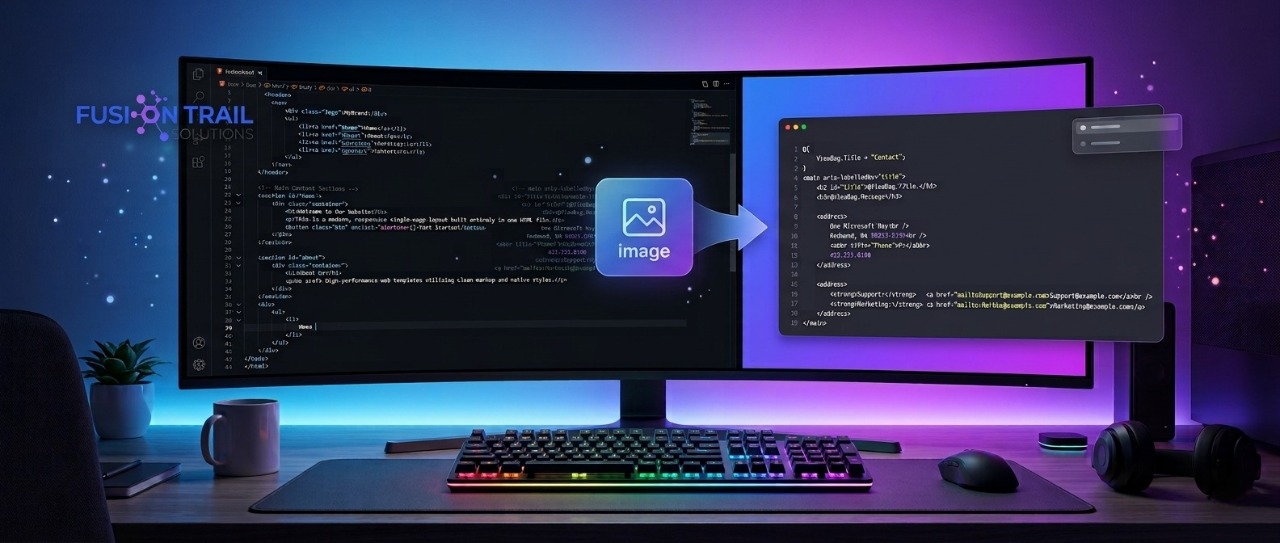
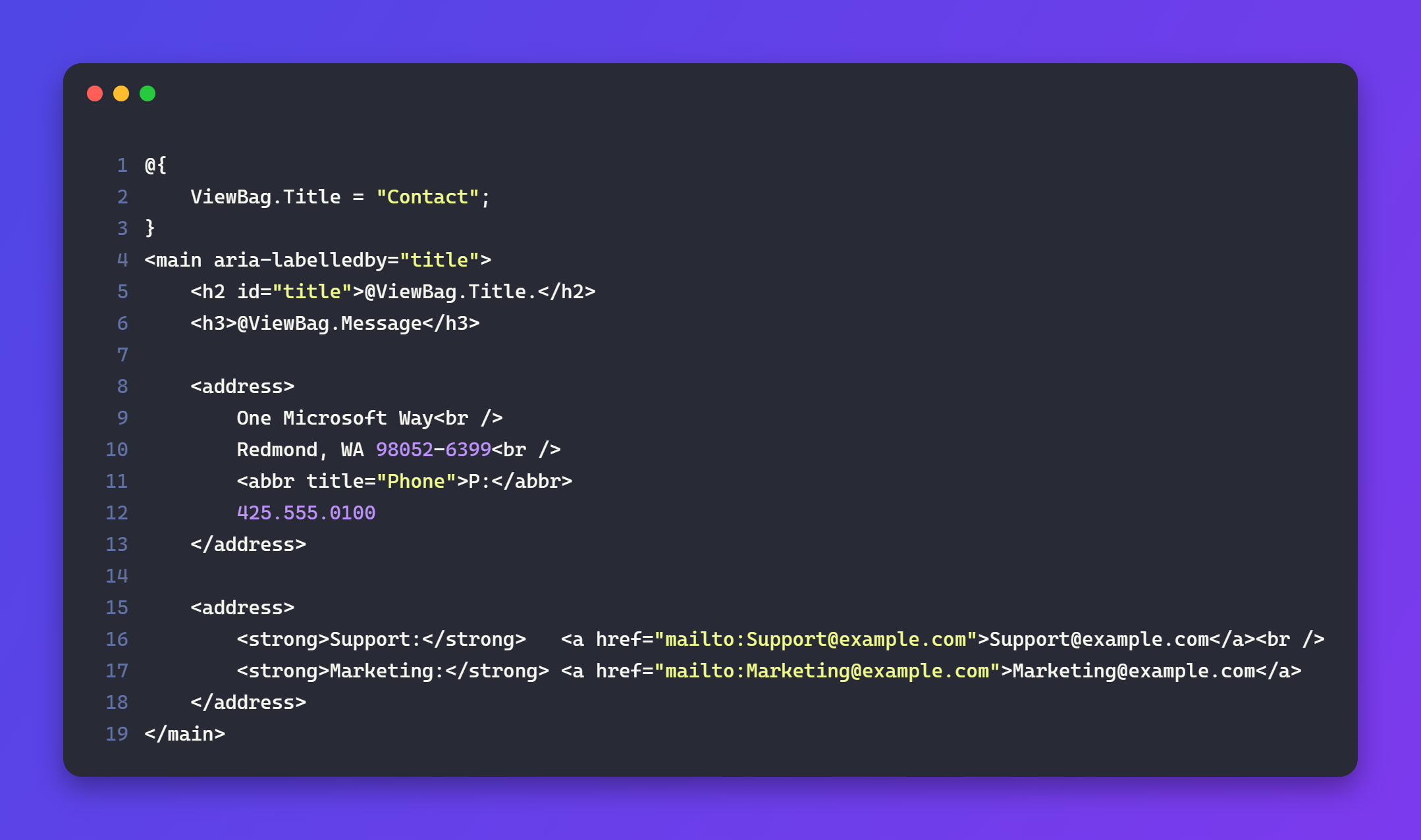
Instead of taking screenshots from Visual Studio Code or another editor, a modern Code to Image Tool converts your source code into a clean, professional, and syntax-highlighted image within seconds. The result is easier to read, visually attractive, and perfect for sharing across websites, blogs, presentations, documentation, and social media.
At Fusion Trail Solutions, we created a powerful Code to Image Tool that helps developers generate beautiful code screenshots quickly without installing any software. Whether you're a beginner learning programming or an experienced software engineer, this free online tool simplifies the way you present your code.
What Is a Code to Image Tool?
A Code to Image Tool is an online application that transforms programming code into high-quality images while preserving syntax highlighting, indentation, spacing, and formatting.
Instead of manually capturing screenshots from your IDE, you simply paste your code into the tool, customize its appearance, and export a polished image ready to share.
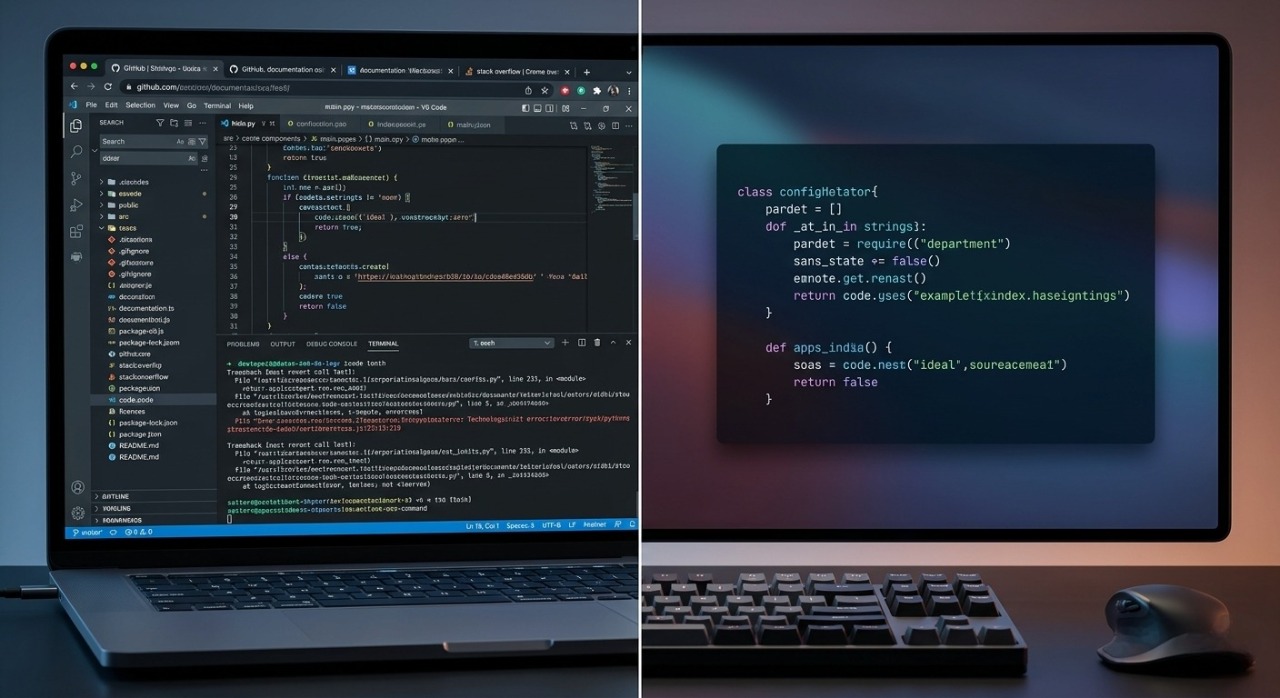
Unlike ordinary screenshots that include unnecessary editor panels, tabs, or terminal windows, a dedicated Code to Image Tool focuses only on your code. This creates a cleaner, more professional appearance that is easier for readers to understand.
Whether you're working with HTML, CSS, JavaScript, Python, Java, C++, PHP, SQL, JSON, or many other programming languages, the tool ensures your code looks modern and visually appealing.
Why Use a Code to Image Tool Instead of Taking Screenshots?
Many developers still rely on screenshots taken directly from their code editor. While this method works, it has several disadvantages. Screenshots often include unwanted interface elements, inconsistent sizing, poor cropping, and lower visual quality.
A professional Code to Image Tool eliminates these problems by generating optimized images that are designed specifically for sharing code.
Some of the biggest advantages include:
Beautiful syntax highlighting
Clean and distraction-free layouts
High-resolution image exports
Consistent formatting
Better readability
Faster content creation
Professional presentation
Easy sharing on social media
Improved documentation quality
Instead of spending time editing screenshots, you can create polished code images with just a few clicks.
Features of the Fusion Trail Solutions Code to Image Tool
The Fusion Trail Solutions Code to Image Tool is designed with simplicity, speed, and flexibility in mind.
Beautiful Syntax Highlighting
Readable code is easier to understand. The tool automatically applies syntax highlighting to supported programming languages, making keywords, variables, functions, comments, and strings easier to distinguish.
Multiple Programming Language Support
Whether you're a frontend developer, backend engineer, mobile app developer, or data scientist, you can create beautiful images for a wide range of programming languages.
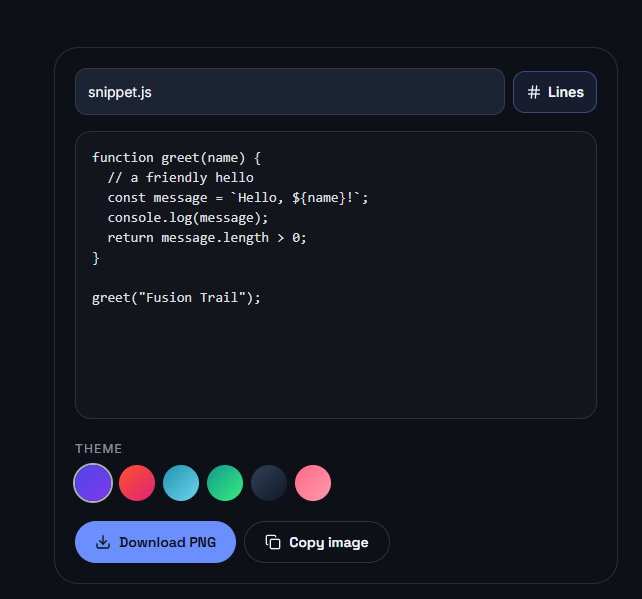
Theme Customization
Choose a theme that matches your personal preference or brand identity. Dark themes are ideal for developers, while light themes work well for documentation and tutorials.
Custom Fonts and Layouts
Adjust font size, spacing, padding, and margins to create the perfect code presentation for blogs, presentations, or social media posts.
High-Quality Image Export
Download sharp, high-resolution images suitable for websites, presentations, documentation, online courses, and professional portfolios.
Fast and Free
There is no complicated setup or software installation required. Open the tool, paste your code, customize it, and download your image within seconds.
How to Use the Code to Image Tool
Using the Code to Image Tool is simple, even for beginners.
Step 1: Open the Fusion Trail Solutions Code to Image Tool.
Step 2: Paste your source code into the editor.
Step 3: Select the appropriate programming language.
Step 4: Choose your preferred syntax highlighting theme.
Step 5: Customize fonts, spacing, background, and layout if needed.
Step 6: Preview the generated image.
Step 7: Download your high-quality code image and use it anywhere you like.
The entire process takes less than a minute and produces professional-looking results.
Who Should Use a Code to Image Tool?
A Code to Image Tool is valuable for anyone who shares programming code online.
Developers
Create clean code snippets for GitHub, technical blogs, Stack Overflow answers, and documentation.
Students
Improve assignments and presentations by displaying code in a professional format.
Teachers
Prepare programming lessons that are easier for students to read and understand.
Technical Bloggers
Make tutorials more engaging by replacing plain text with attractive syntax-highlighted code images.
Content Creators
Share coding tips on LinkedIn, Instagram, Facebook, X, YouTube, and other platforms using eye-catching visuals.
Software Companies
Improve internal documentation, client presentations, and product guides with consistent code formatting.
Best Use Cases for a Code to Image Tool
The possibilities are almost endless. A Code to Image Tool can be used for:
Technical blog articles
Programming tutorials
GitHub README files
Developer portfolios
Online coding courses
Coding interview preparation
Software documentation
Team knowledge bases
Presentation slides
Social media content
Marketing materials
Educational resources
No matter where you share code, professionally designed images create a stronger impression than plain screenshots.
Benefits of Using the Fusion Trail Solutions Code to Image Tool
Choosing the right Code to Image Tool offers more than just attractive visuals.
It helps save time by eliminating manual editing and cropping. It improves consistency across your content, making your documentation and tutorials look more professional. It also enhances readability, allowing your audience to understand code more quickly.
For content creators, visually appealing code snippets increase engagement on social media. For educators, they simplify learning. For businesses, they strengthen documentation and branding.
Most importantly, the Fusion Trail Solutions Code to Image Tool provides all these benefits through a simple, browser-based interface that is fast, free, and easy to use.
Tips for Creating Better Code Images
To make your code images more effective:
Keep snippets focused on one concept.
Use readable font sizes.
Choose themes with strong contrast.
Avoid unnecessary code.
Maintain consistent formatting.
Add sufficient padding around the code.
Use syntax highlighting whenever possible.
Export high-resolution images for better quality.
Small improvements like these make a noticeable difference in how your content is perceived.
Why Fusion Trail Solutions?
Fusion Trail Solutions develops practical online tools that solve real-world problems for developers, businesses, students, and digital professionals.
Our Code to Image Tool focuses on simplicity, performance, and usability. Instead of overwhelming users with unnecessary complexity, it provides a streamlined experience that helps you create beautiful code screenshots quickly and efficiently.
Whether you're publishing a tutorial, documenting an API, building a portfolio, or sharing programming knowledge online, the tool is designed to help your code stand out.
Frequently Asked Questions
Is the Code to Image Tool free?
Yes. The Fusion Trail Solutions Code to Image Tool is free to use and works directly in your web browser.
Which programming languages are supported?
The tool supports many popular programming languages, including HTML, CSS, JavaScript, Python, Java, C++, PHP, SQL, JSON, and more.
Can I use the generated images in blog posts?
Absolutely. The exported images are perfect for technical blogs, tutorials, and documentation.
Do I need to install software?
No. Everything works online without downloading or installing additional software.
Can I customize the appearance?
Yes. You can customize themes, fonts, spacing, padding, and other visual settings to create professional-looking code images.
Final Thoughts
A Code to Image Tool has become an essential utility for modern developers, educators, bloggers, and software teams. Instead of relying on ordinary screenshots, you can create clean, syntax-highlighted, high-quality images that improve readability and present your work in a professional way.
Whether you're documenting projects, teaching programming, publishing technical articles, or sharing code on social media, using a dedicated Code to Image Tool helps your content look polished, consistent, and engaging.
If you're looking for a fast, reliable, and easy to use solution, try the Fusion Trail Solutions Code to Image Tool today and transform your code into beautiful images within seconds.
👉 Tool URL: https://www.fusiontrailsolutions.com/tools/code-to-image
Start creating professional code screenshots today and make every code snippet worth sharing.