
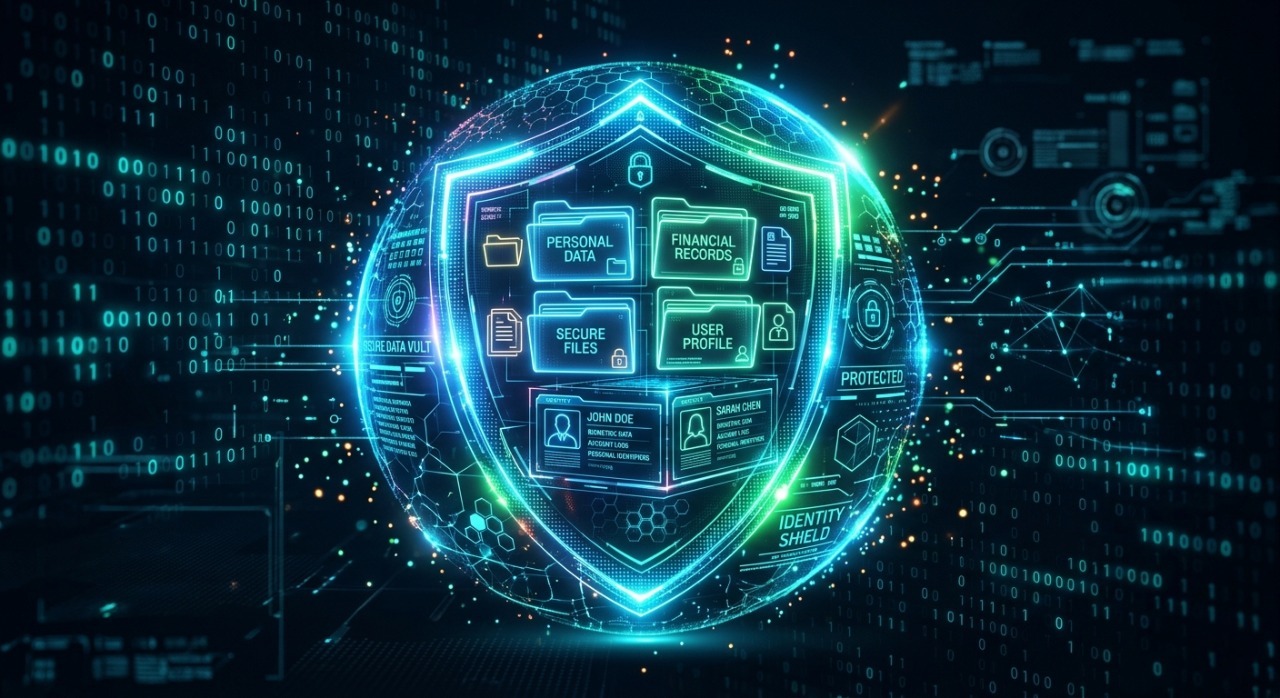
Why Data Privacy Matters More Than Ever in 2026
In today’s hyper-connected ecosystem, our data is scattered across cloud platforms, social media networks, and smart devices. Every click, search, and online purchase leaves a digital footprint. Leaving this data unprotected opens the door to identity theft, financial fraud, and invasive tracking.
Protecting your personal data is no longer just about choosing a strong password; it requires a proactive, multi-layered approach to digital security. This comprehensive guide walks you through actionable steps to lock down your digital life and reclaim your online privacy.
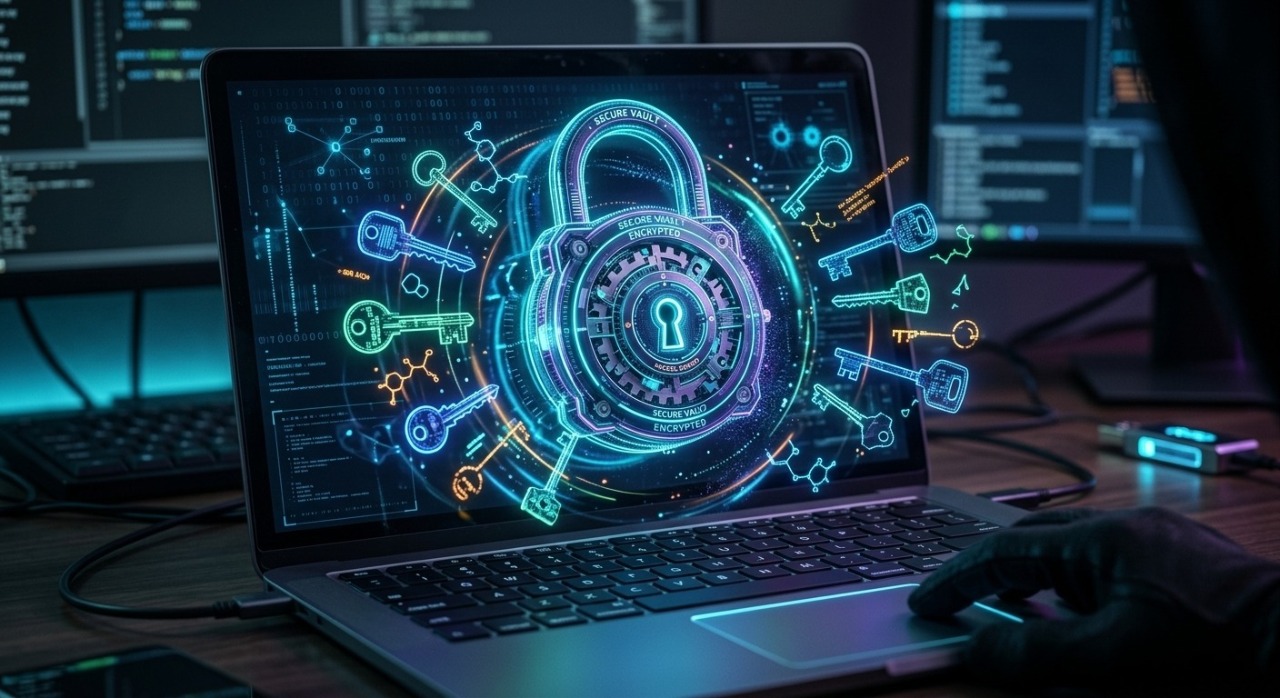
1. Upgrade Your Password Strategy (Beyond the Basics)
Passwords are your first line of defense, yet simple, repetitive combinations remain the leading cause of security breaches.
Switch to a Dedicated Password Manager
Stop reusing passwords across multiple sites. Use a trusted password manager (like Bitwarden, 1Password, or Dashlane) to generate and store complex, unique keys for every account.
Anatomy of an Unhackable Password
If you must create a password manually, avoid predictable words or personal information. Instead, follow these rules:
Length over complexity: Aim for at least 14–16 characters.
Use Passphrases: Combine 4–5 random words (e.g.,
Correct$Horse$Battery$Staple).Mix it up: Include a mix of uppercase letters, numbers, and special characters.
2. Implement Multi-Factor Authentication (MFA) Everywhere
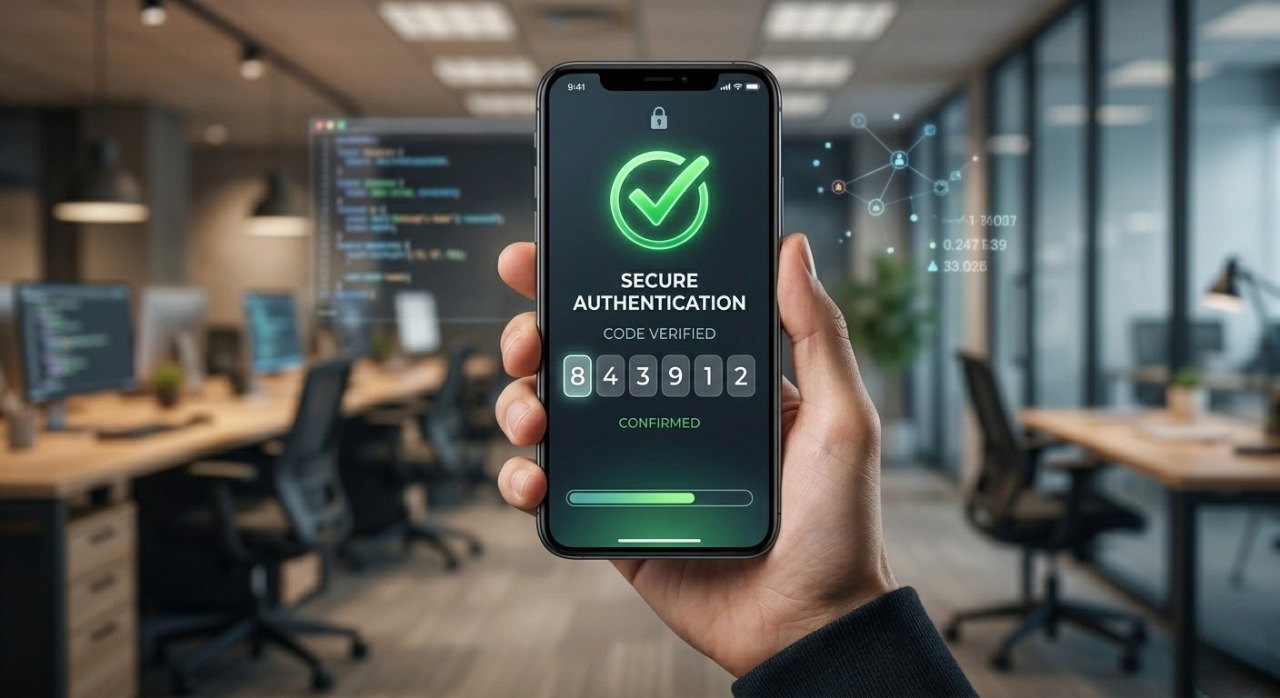
If a hacker manages to compromise your password, Multi-Factor Authentication (MFA) or Two-Factor Authentication (2FA) acts as a secondary barrier that stops them in their tracks.
Avoid SMS-Based 2FA
While SMS 2FA is better than nothing, it is vulnerable to SIM-swapping attacks where hackers trick your telecom provider into routing your texts to their device.
Use Secure Authenticator Apps
Instead of text messages, opt for secure authentication methods:
Authenticator Apps: Use Google Authenticator, Microsoft Authenticator, or Aegis to generate time-based one-time passwords (TOTPs).
Hardware Security Keys: For maximum protection of critical accounts (like your primary email or banking), invest in a physical USB key like a YubiKey.
3. Secure Your Network and Browsing Habits
Your internet connection is a gateway through which data constantly flows. If the connection isn't secure, your data can be intercepted.
Public Wi-Fi Dangers
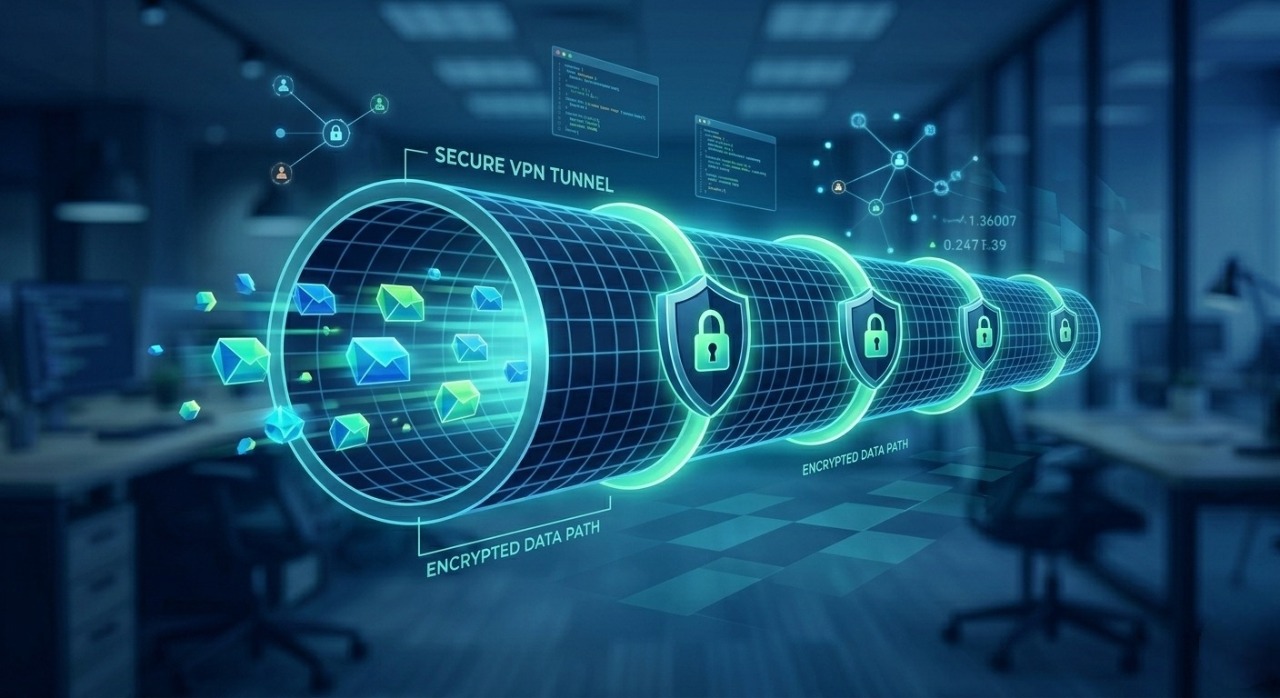
Never access bank accounts, input credit card details, or log into sensitive platforms while connected to public Wi-Fi networks (like those in coffee shops or airports) without a Virtual Private Network (VPN). A premium VPN encrypts your traffic, making it unreadable to anyone snooping on the same network.
Optimize Your Browser for Privacy
Your choice of browser and its configuration play a massive role in data tracking.
Use Privacy-First Browsers: Consider switching to Brave or Firefox, which natively block trackers.
Essential Extensions: Install extensions like uBlock Origin (for ad and tracker blocking) and Privacy Badger.
Check for HTTPS: Ensure websites you visit use the secure
https://protocol. Look for the padlock icon in the address bar.
4. Audit Social Media and Application Permissions
We often give away our data voluntarily through the apps we download and the social platforms we use.
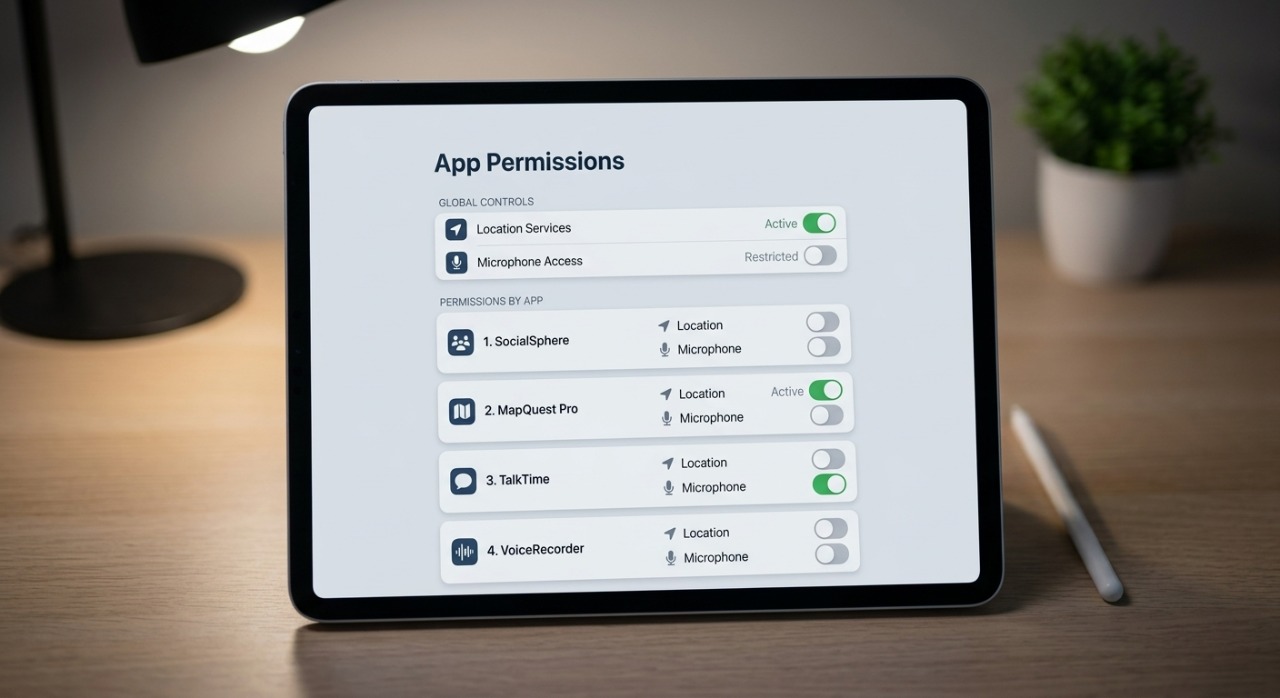
The App Permission Cleanup
Mobile apps frequently request access to features they don’t actually need to function. Go into your smartphone settings and regularly audit these permissions:
Location Services: Turn off location access for apps that don't strictly require it (e.g., single-player games, photo editors). Set necessary apps to "Only While Using the App."
Contacts & Microphone: Restrict access to prevent background data collection.
Tighten Social Media Privacy Settings
Review the privacy dashboards on platforms like LinkedIn, Meta, and X.
Change account visibility from Public to Private or Friends Only.
Disable options that allow search engines to link directly to your social profiles.
Limit the amount of personal information (birthdays, location check-ins, family relations) you display openly.
5. Recognize and Avoid Phishing and Social Engineering
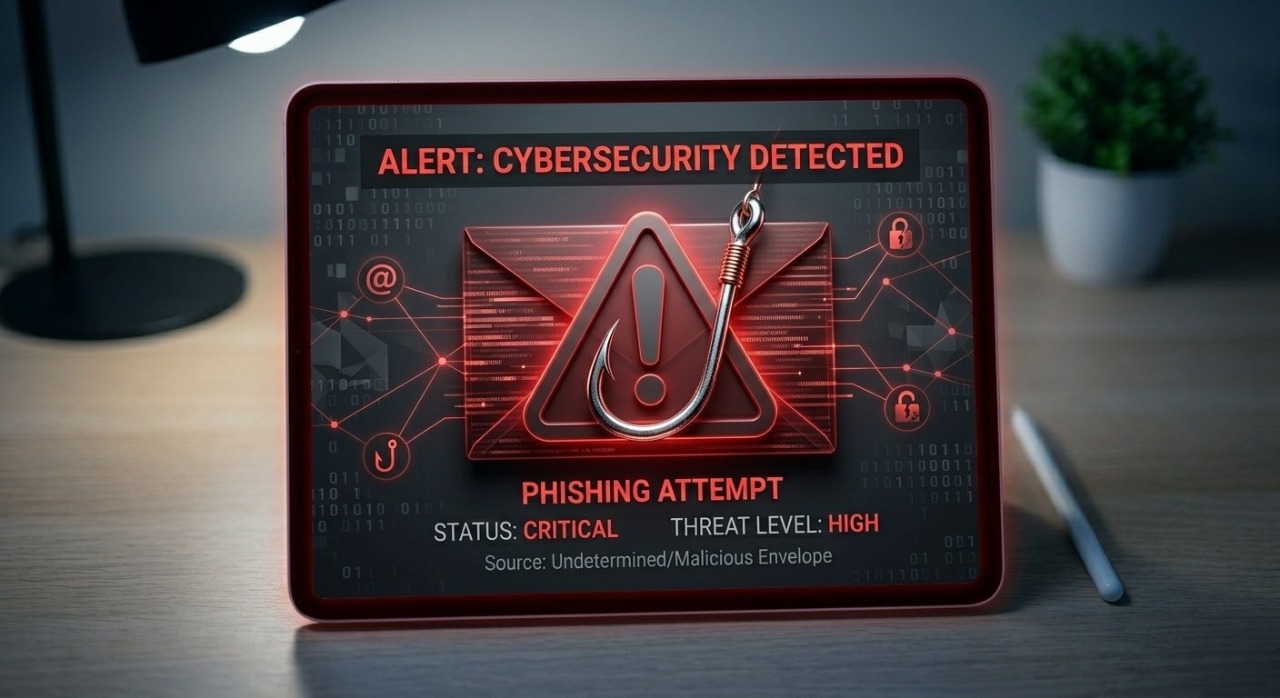
Technology isn't the only thing hackers exploit; they also exploit human psychology. Phishing attacks have become incredibly sophisticated, often mimicking legitimate corporate communications flawlessly.
To stay safe, always keep an eye on these three critical indicators:
Audit the Sender Address:
What to look for: Look closely for slight misspellings or anomalies in the domain name (e.g.,
support@paypa1.cominstead of the officialpaypal.com).Prevention Rule: Never trust the display name alone. Always tap or click on the sender's name to reveal the actual, hidden email address behind it.
Detect Artificial Urgency:
What to look for: Watch out for high-pressure language demanding immediate action, such as threatening account suspension, legal penalties, or unauthorized charges.
Prevention Rule: Take a breath. Legitimate entities, banks, and platforms rarely demand instant action or sensitive credentials without prior formal warning.
Inspect Suspicious Links:
What to look for: Be cautious of hyperlinks that point to unfamiliar, complex, or entirely different URLs when you hover your cursor over them.
Prevention Rule: Always hover over links before clicking to preview the real destination URL. When in doubt, bypass the email link entirely and navigate to the official website directly through your browser.
6. Secure Your Physical Devices
Digital security means very little if someone can gain physical control of your hardware.
Device Encryption
Ensure that your data is safe even if your laptop or phone is lost or stolen:
Windows: Turn on BitLocker drive encryption.
macOS / iOS: Enable FileVault and ensure a secure passcode/FaceID is active.
Android: Modern Android devices are encrypted by default, provided you use a secure PIN or biometric lock.
Regular Backup Strategy
Protect your data from ransomware attacks by maintaining regular backups. Follow the 3-2-1 Backup Rule:
Keep 3 copies of your data.
Store them on 2 different types of media (e.g., an external hard drive and a local NAS).
Keep 1 copy completely off-site or securely encrypted in the cloud.

Conclusion: Privacy is a Continuous Practice
Protecting your personal data isn't a one time setup it’s an ongoing habit. By centralizing your passwords, enforcing multi-factor authentication, securing your browsing habits, and remaining vigilant against social engineering tactics, you significantly minimize your digital attack surface. Take control of your digital footprint today to safeguard your identity for tomorrow.