

Artificial Intelligence is no longer just trapped inside a separate browser tab or a premium app subscription. It is right in your pocket, inside the apps you open a hundred times a day. When Meta rolled out its powerful Llama powered assistant across WhatsApp, Instagram, Facebook, and Messenger, it quietly pulled off the biggest AI democratization in history.
But are you actually using it to its full potential, or are you just asking it to write birthday wishes?
If you want to unlock the real power of this beast, you need to know the secret handshake. In this ultimate guide, we dive deep into the absolute best Meta AI features and tips, hidden tricks, and how it stacks up against the competition.
1. What Makes Meta AI a Silent Game Changer?
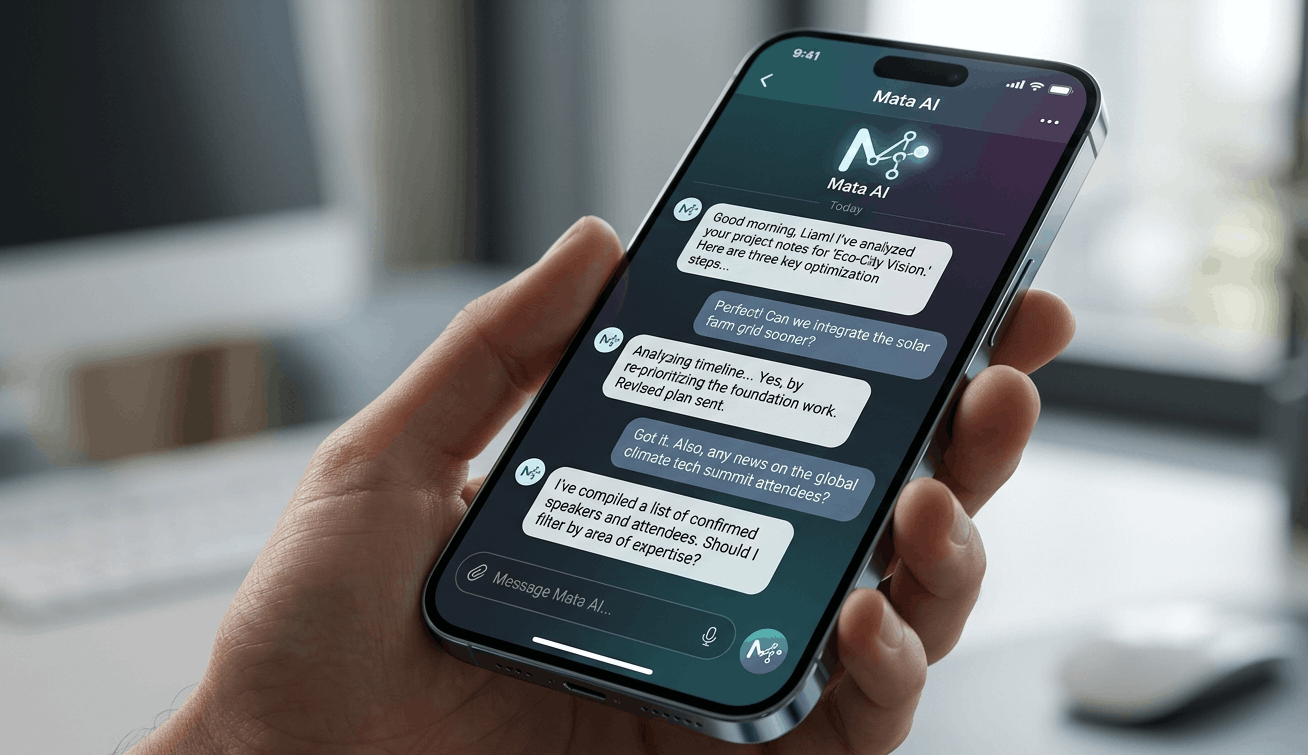
Most users treat Meta AI like a basic search bar wrapper. In reality, it is backed by Meta’s open source powerhouse model, making it incredibly fast, context aware, and most importantly completely free and connected to real time search engines.
Unlike other models that require you to jump through hoops or pay for live web access, Meta AI pulls live data seamlessly while you chat with your friends or scroll through your feed.
Why It’s Dominating the Social Space:
Zero Friction: No new accounts, no extra app downloads.
Multimodal Magic: Seamless text to image generation inside group chats.
Real-Time Data Integration: Powered by live search indexes to give you up to the minute answers.
2. Meta AI vs ChatGPT: The Real Battle
To truly appreciate Meta AI features and tips, we have to answer the burning question: Is it better than ChatGPT?
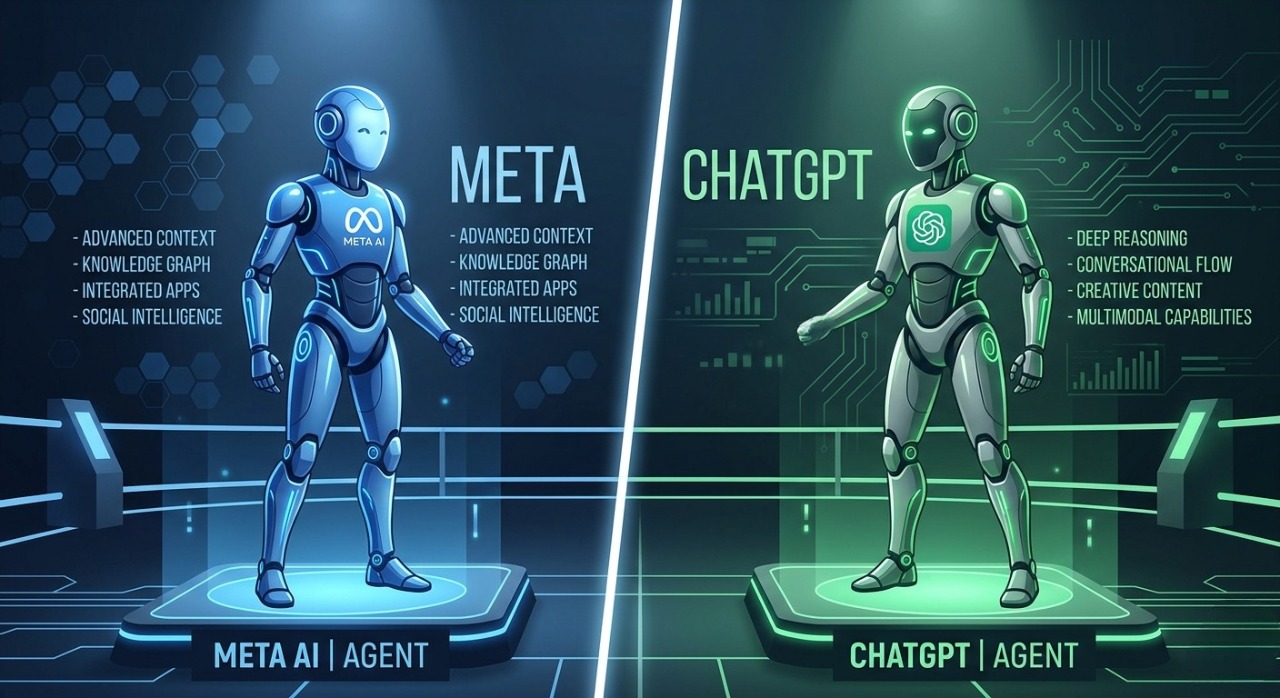
While ChatGPT remains the powerhouse for long form technical writing, deep coding, and complex data analysis, Meta AI completely crushes it when it comes to speed, daily accessibility, and real-time social integration. Instead of a boring table, let’s break down exactly where Meta AI takes the crown:
Frictionless Platform Access: ChatGPT requires you to open a separate app or browser tab. Meta AI lives exactly where you already spend your time embedded directly inside WhatsApp, Instagram, Facebook, and Messenger, as well as a standalone web version.
Default Live Web Search: On ChatGPT's free tier, live web browsing is often restricted or limited. Meta AI has real-time search engine access enabled by default, delivering up to the minute live data without charging you a single penny.
Unrestricted Free Image Generation: ChatGPT locks its premium DALL-E 3 image generator behind a paid subscription. Meta AI gives you unlimited, instant image generation directly in your chat threads using the simple
/imaginecommand.Native Group Chat Integration: You can't invite ChatGPT into a group chat with your friends or team. Meta AI can be summoned instantly in any WhatsApp or Messenger group by simply tagging
@Meta AI, making collaborative brainstorming a breeze.
If your goal is quick on the go research, instant AI art creation, and seamless social brainstorming, Meta AI offers a level of frictionless utility that ChatGPT simply cannot match.
3. 10 Hidden Meta AI Features and Tips You Must Try
Let's skip the basics and move straight into the advanced growth hacks and tricks that 99% of users don't know about.
🎯 1. The Group Chat Brain Trust (@MetaAI)
You don't need to leave your WhatsApp group chat to settle a debate or plan an itinerary. Simply type @Meta AI in any group chat followed by your question. The AI will answer right inside the thread, allowing everyone to see the data simultaneously.
Pro Tip: Use it to instantly settle trivia or calculate bill splits during trip planning.
🎨 2. Real-Time Image Generation with /imagine
Inside your chats, you can generate high quality images on the fly. Simply type /imagine followed by your descriptive prompt. The magic part? As you continue typing and changing words, the image updates in real time before your eyes.
🔄 3. Animating Your AI Images
Once you generate an image using the /imagine command, you don't have to settle for a static photo. Reply to the generated image and type animate. Meta AI will instantly convert your static AI art into a dynamic, looping GIF.
📚 4. The Ultimate Feed Summarizer
Scrolling through a massive, text heavy Facebook post or a long form article shared on your feed? You can invoke Meta AI to give you a bulleted summary of the core arguments instantly, saving you hours of mindless reading.
🧠 5. Instagram DM Roleplaying & Skill Building
You can use Meta AI in your Instagram DMs as a language practice partner or a mock interviewer. Use this prompt:
"Act as a strict tech interviewer for a Full-Stack Developer role. Ask me 5 hard questions one by one and critique my answers."
🌐 6. Real-Time Flight and Travel Tracking
Because Meta AI has a direct bridge to live search engines, you can feed it flight numbers or ask for live transit data. It acts as a pocket travel concierge without requiring an open browser tab.
💻 7. Code Snippet Debugging on the Go
Are you a developer away from your laptop? You can paste a broken block of JavaScript, Python, or PHP directly into WhatsApp, and Meta AI will pinpoint the syntax error, explain the bug, and provide the clean, refactored code instantly.
🛒 8. Smart Shopping & Product Comparison
Can't decide between two gadgets while browsing Instagram? Open Meta AI and ask it to generate a direct markdown comparison table listing pros, cons, and current market pricing for both items.
📝 9. Contextual Caption & Hashtag Generator
Stop staring at a blank screen trying to figure out what to write under your Instagram post. Describe your photo to Meta AI and ask for “3 distinct caption options: one witty, one minimalist, and one storytelling-focused, complete with high-reach hashtags.”
📊 10. Instant Data Extraction from Text
Paste a massive wall of unorganized data, reviews, or logs into the chat and ask Meta AI to parse it. It can instantly extract emails, dates, or key action items and present them in an organized bulleted list.

4. Advanced Prompting Tricks for Maximum Accuracy
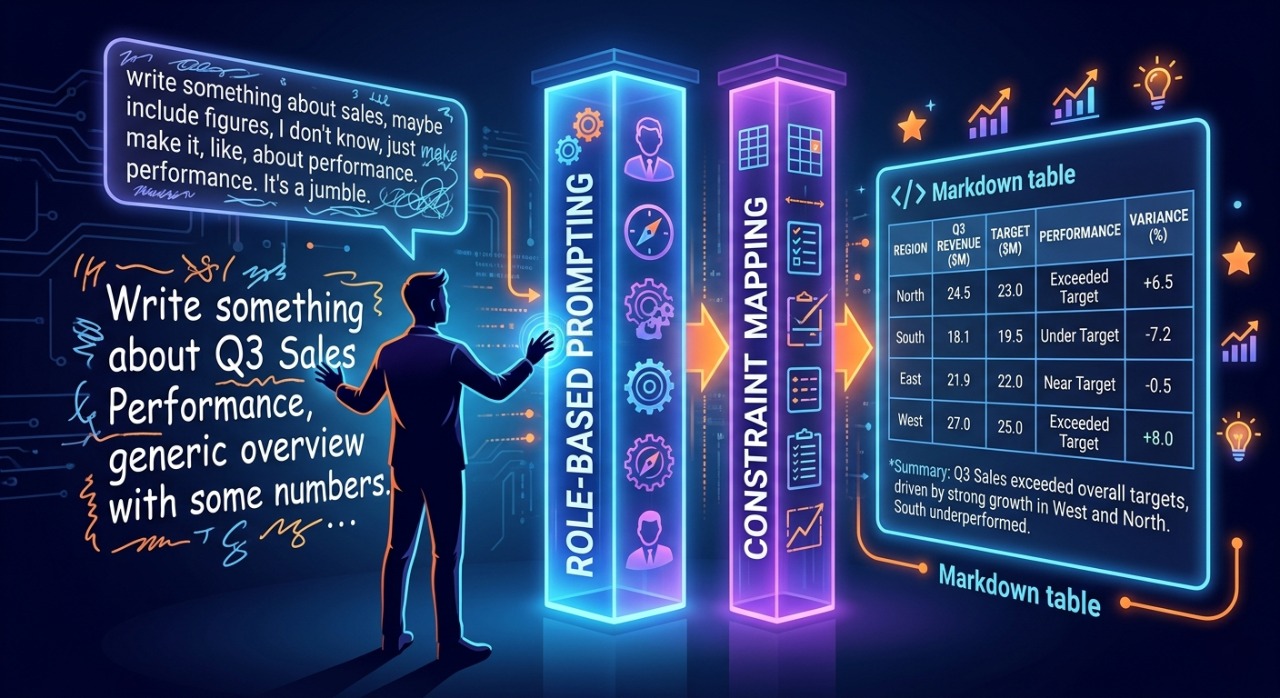
To get the absolute best results out of Meta AI, you need to use Role Based Prompting and Constraint Mapping. Because Meta AI is optimized for fast conversational replies, it can sometimes give generic answers if your prompt is too short.
The "Act As" Framework
Instead of asking: "Give me marketing ideas for a website."
Try asking:
"Act as an elite SEO expert and conversion rate optimizer. Give me 5 unconventional strategies to drive organic traffic to a custom multi-vendor e-commerce platform, focusing heavily on technical URL optimization."
The Output Constraint Trick
Always specify how you want the information delivered. Add strings like:
"Respond only in a clean Markdown table."
"Give the answer in 3 high-impact bullet points maximum."
"Explain this like I am a 10-year-old learning to code."
5. The Future of Social AI
Meta AI isn’t just a trendy feature; it is the infrastructure for how we will interact with the web moving forward. As the Llama models become more advanced, the boundary between searching the web and browsing social media will completely vanish.
By mastering these Meta AI features and tips today, you are positioning yourself way ahead of the curve, transforming your casual social apps into a high-octane productivity suite.
Final Verdict: Time to Level Up Your AI Game!
The era of jumping between five different apps just to search the web, generate an image, or draft a caption is officially over. Meta AI has brought elite level artificial intelligence directly into your daily routine. The tools are already in your pocket all you need to do is use the right prompts.
Now it’s your turn: Open up your WhatsApp or Instagram right now, type /imagine or tag @Meta AI, and test out these tricks yourself.
💬 Drop a comment below: Which Meta AI feature are you going to try first? And do you think it will completely replace ChatGPT for your daily tasks? Let’s start a debate!