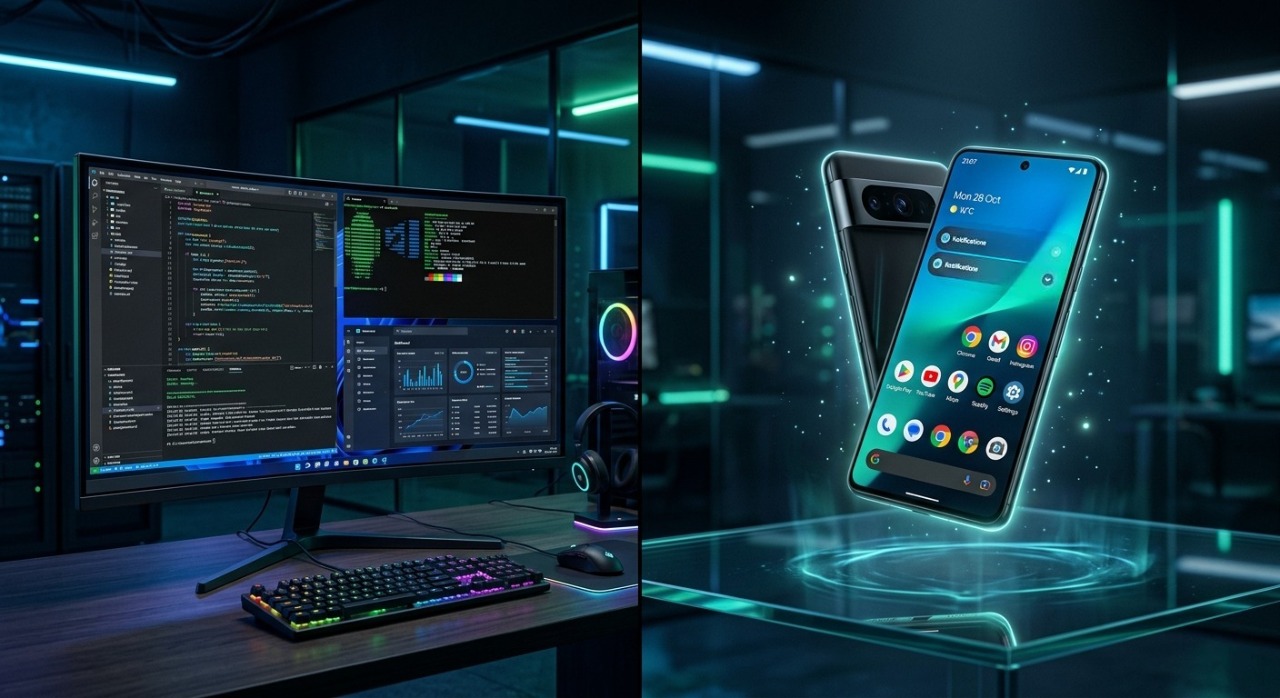
Introduction: The Two Pillars of the Modern Digital Era
In the contemporary technological landscape, operating systems form the invisible backbone of our daily digital interactions. Among the giants powering our devices, Microsoft Windows and Google’s Android stand as the two undisputed titans. While one revolutionized personal computing and established the foundation of global business infrastructure, the other democratized internet access, putting immense computational power directly into the pockets of billions.
Today, the line between mobile agility and desktop performance is blurring faster than ever. As cross platform development accelerates and user expectations pivot toward continuous connectivity, understanding the deep dynamics, architectural advantages, and strategic long term trajectories of both Windows and Android is no longer just for tech enthusiasts it is vital for developers, creators, businesses, and everyday consumers alike.
1. Current Global User Demand: Who Rules the Market Share?
+--------------------------------------------------------+
| Global OS Market Share Overview (Approximations)       |
+--------------------------------------------------------+
| Android (Mobile Dominance)       | ~40% - 43% Global   |
| Windows (Desktop Dominance)      | ~27% - 30% Global   |
+--------------------------------------------------------+
When evaluating raw numbers, Android is the most widely used operating system in the world, commanding over 40% of the total global OS market share across all device categories. This massive footprint is driven primarily by its open source nature, allowing countless smartphone manufacturers (like Samsung, Xiaomi, and OnePlus) to deploy it on devices ranging from entry level budget phones to ultra premium foldables.
Conversely, Windows remains the absolute ruler of the desktop world, holding a dominant share of roughly 70% within the personal computer and enterprise market. While mobile traffic has surpassed desktop traffic globally, the depth of engagement on Windows remains unparalleled. High intent activities such as software engineering, enterprise data management, high end gaming, and professional content creation still rely heavily on the precise window management and immense processing capabilities of a desktop environment. The demand is not about which OS is better, but rather how deeply integrated they are into specific user behaviors.

2. Deep Dive into Windows: Features, Advantages, and Crucial Drawbacks
Core Technical Features
Windows, particularly through its latest iterations like Windows 11, offers an architectural design built for heavy multitasking and deep hardware integration. Key features include:
Advanced Win32 & UWP Subsystems: Enabling flawless execution of legacy software alongside modern apps.
DirectX 12 Ultimate: Providing low level API access for cutting edge graphical rendering, making it the definitive platform for PC gaming.
WSL 2 (Windows Subsystem for Linux): Allowing developers to run a native Linux environment directly inside Windows without virtualization overhead.
Robust File System Management: Utilizing NTFS for advanced data security, encryption, and large scale storage handling.
The Advantages (Pros)
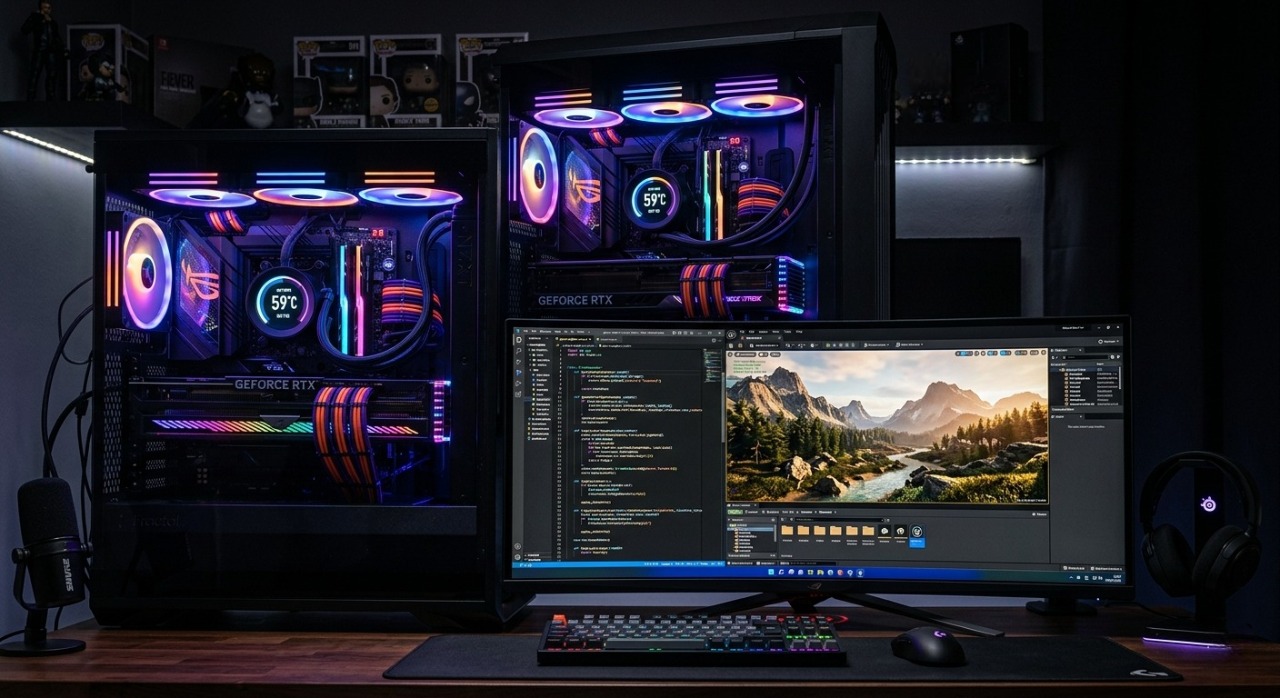
The primary strength of Windows lies in its unmatched productivity capacity and backward compatibility. A business application built fifteen years ago can often run smoothly on a modern Windows machine today. Furthermore, the sheer flexibility of hardware configuration allowing users to select custom CPUs, GPUs, RAM setups, and peripherals ensures that power users can build machines perfectly tailored to demanding workloads like 3D rendering or complex backend development.
The Drawbacks (Cons)
However, Windows is not without its pain points. Its massive distribution network makes it a primary target for malware, ransomware, and security vulnerabilities. System maintenance can also feel cumbersome; legacy registry issues, fragmented driver updates across varying hardware manufacturers, and mandatory, sometimes intrusive system updates can disrupt workflows and degrade system stability over extended periods of time.
3. Deep Dive into Android: Features, Advantages, and Crucial Drawbacks
Core Technical Features
Built on top of a modified Linux kernel, Android's architecture is optimized for energy efficiency, touch interactions, and rapid application deployment. Key technical features include:
ART (Android Runtime): Compiling app bytecode into native machine instructions for smooth performance and lower memory usage.
Highly Flexible Intent System: Allowing seamless inter app communication and deeply integrated system wide share sheets.
Extensive Customization Layers: Supporting custom launchers, deep widget integration, and comprehensive file access via scoped storage.
Google Play Services Ecosystem: Providing massive background APIs for location tracking, cloud messaging, and automated security scanning via Play Protect.
The Advantages (Pros)
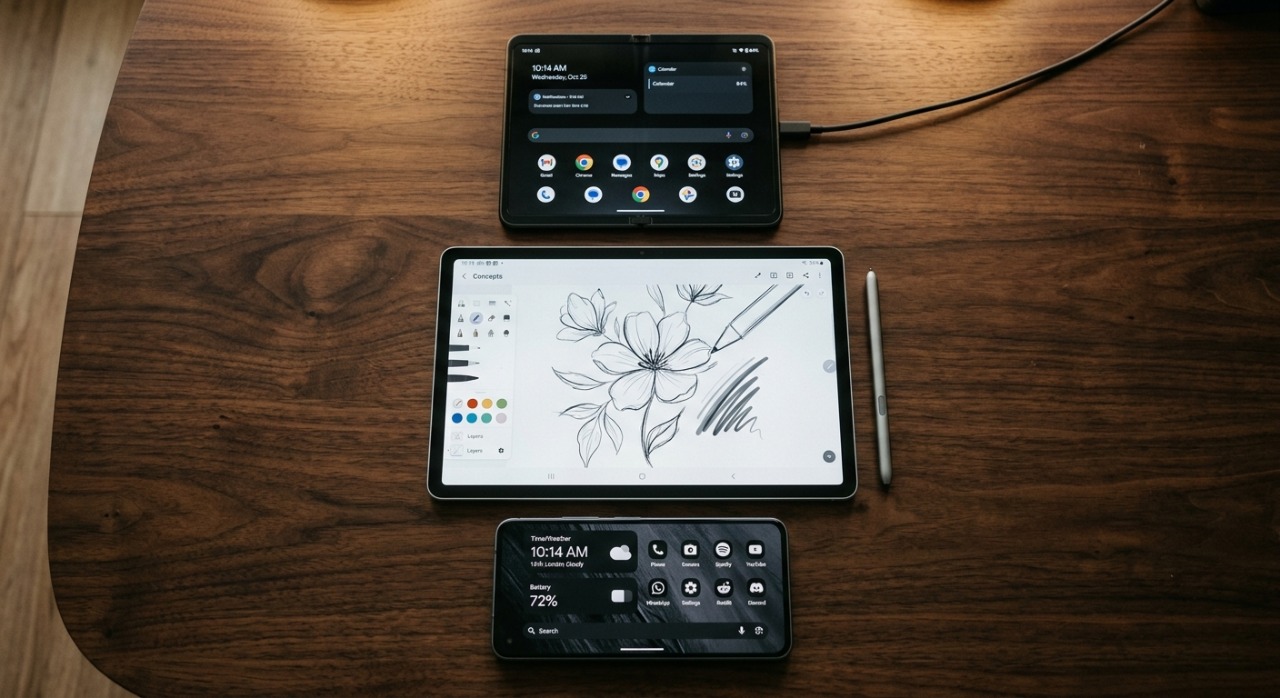
Android’s greatest asset is its unrivaled accessibility and portability. It brings desktop class computational capabilities, immediate cloud synchronization, and real time communication into a device that fits in a pocket. The open source nature gives consumers ultimate freedom of choice regarding hardware aesthetics, battery capacities, and pricing tiers. It also offers unparalleled flexibility for UI customization compared to its mobile competitors.
The Drawbacks (Cons)
The biggest issue plagueing the Android ecosystem is fragmentation. Because hardware manufacturers modify the base operating system to create custom skins (e.g., One UI, MIUI), software updates are often delayed significantly for older or mid-range devices. This fragmentation also poses a significant hurdle for application developers who must ensure their code performs optimally across thousands of unique device profiles, varying screen resolutions, and different system-on-chip (SoC) architectures.
4. The Critical Dependencies: What Happens If One Disappears?
To truly measure the importance of these ecosystems, we must ask a critical question: What happens to society if one of these operating systems completely ceases to exist tomorrow?
The Impact of a World Without Windows
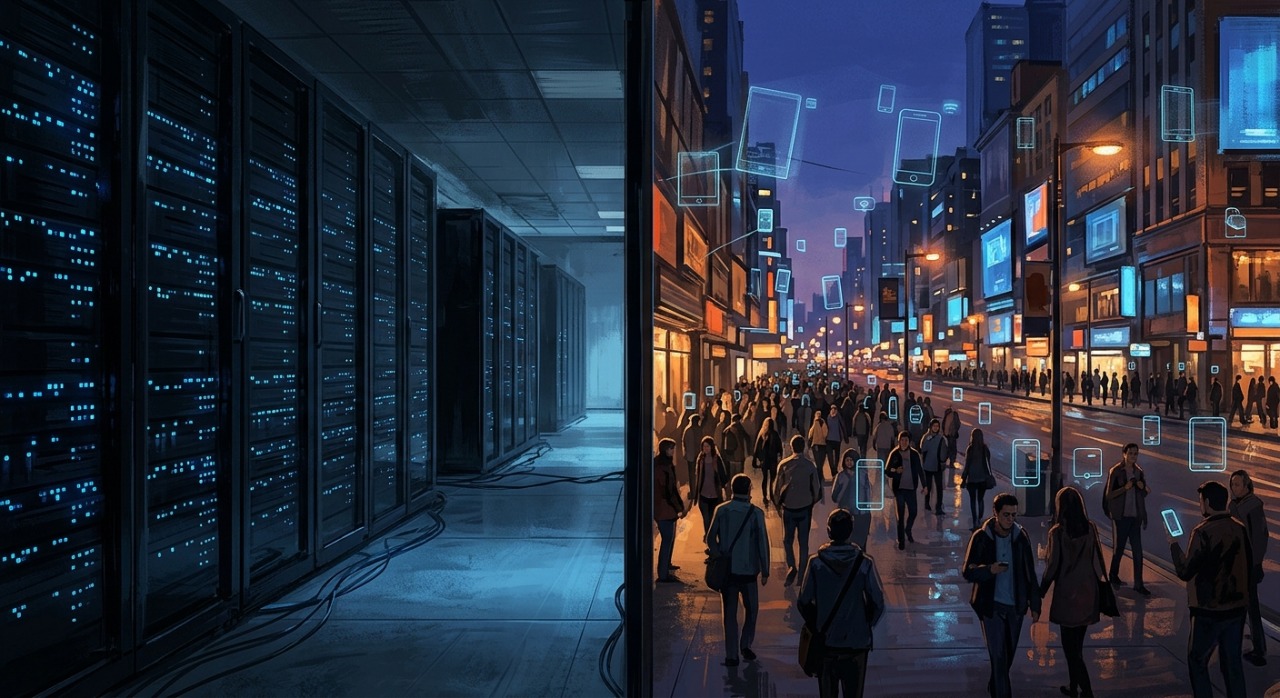
If Windows vanished overnight, the global economy would face an immediate, catastrophic halt. The vast majority of global enterprise networks, government databases, banking terminals, and industrial manufacturing control systems run on Windows based infrastructures. Software developers would lose access to native environments for enterprise IDEs, creative professionals would find their production pipelines broken without specialized desktop suites, and the global supply chain would stall. The world cannot function efficiently without the heavy duty computing infrastructure provided by Windows.
The Impact of a World Without Android
If Android disappeared, the immediate impact would be felt as a massive global communication and accessibility crisis. Millions of people in developing economies who rely solely on affordable Android smartphones as their exclusive gateway to the internet, online banking, and digital education would instantly be disconnected. The mobile app economy would collapse by half, devastating businesses that rely on mobile first user acquisitions. Handheld smart tech, IoT networks, point-of-sale systems, and delivery tracking networks would fall into disarray.
5. Future Projection: Who Will Dominate the Next Decade?
As we look toward the future of computing, the traditional boundary between desktop and mobile is giving way to a new paradigm: hybrid ambient computing. The future does not belong to the OS that stays confined to one hardware format, but to the one that seamlessly adapts across all environments.
+-----------------------------------------------------------------+
| Future Convergence: How Both Worlds Are Merging                |
+-----------------------------------------------------------------+
| Windows Strategy -> Integrating Android apps natively via WSA   |
|                  -> Moving heavy computing to Azure Cloud       |
+-----------------------------------------------------------------+
| Android Strategy -> Enhancing desktop modes (e.g., Samsung Dex)|
|                  -> Dominating wearable IoT and Smart Displays  |
+-----------------------------------------------------------------+
Windows’ Evolutionary Path
Microsoft recognizes that mobile is a permanent fixture of life. Their strategy focuses on making Windows the ultimate central hub for all devices. By expanding cloud computing capabilities through Azure and integrating cloud streamed applications, Windows aims to remain relevant even on low powered local hardware. Furthermore, Windows is heavily investing in native, on device AI integration (such as Copilot architectures) to fundamentally change how humans interact with productivity software.
Android’s Evolutionary Path
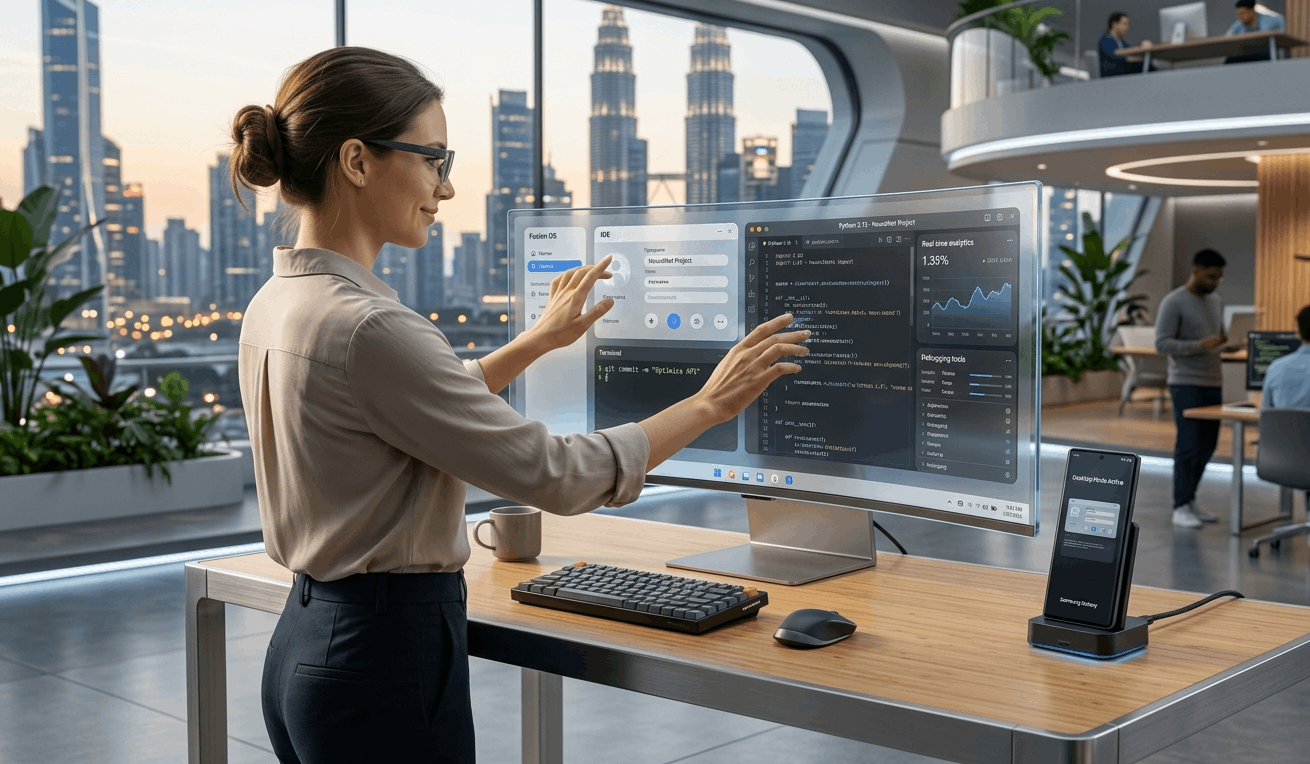
Google is continuously pushing Android beyond the smartphone. Features like Samsung DeX and native desktop modes in Android show that mobile operating systems are fast becoming powerful enough to handle basic desktop computing needs when connected to an external monitor and keyboard. As mobile chipsets approach the raw processing power of laptop processors, Android is positioned to capture the casual computing market entirely, leaving Windows to handle only the most intense professional workloads.
The Final Verdict on Future Dominance
In terms of raw user volume and daily interaction time, Android will continue to dominate the future globally. The sheer volume of mobile first users ensures its quantitative victory. However, in terms of economic power, industrial utility, and high level creation, Windows remains completely irreplaceable.
The future will not be a story of one operating system destroying the other; instead, it will be a highly integrated coexistence where Android manages your mobile lifestyle and personal IoT ecosystem, while Windows acts as the powerhouse foundation for your professional and enterprise ambitions.